62
2 You can stop playing the content on the external display using the notification
panel.
NOTE:
• Connect your smart phone to a display wirelessly (Miracast) or by cable
(MHL cable).
• Some video files may not be supported by the dual play function.
• The Shielded LG MHL cable is recommended.
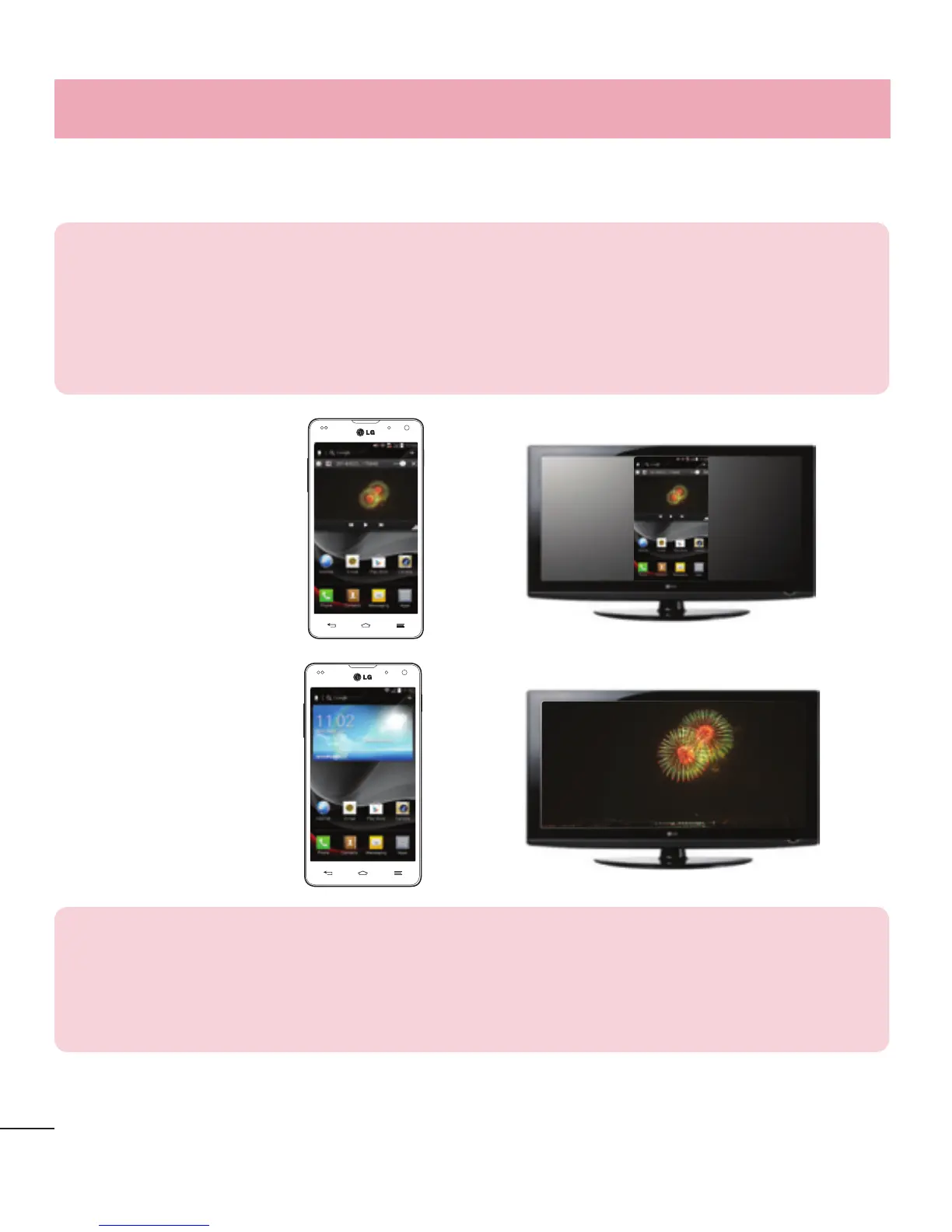
Mirroring
∙∙∙∙∙
Dual Play
∙∙∙∙∙
NOTE:
• Dual Play is supported by 3 applications - Videos, Media Home (MHL only),
Polaris Office 4.
• The minimum TV resolution required for dual play is 720p (1280x720)
LG Unique Function



 To Next Page