3
Setup
Before you start using the phone, you must insert the SIM or USIM card.
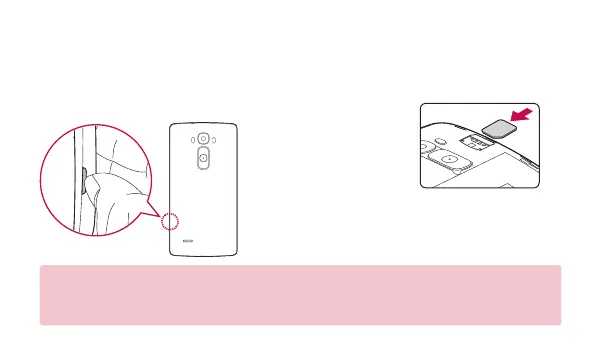
Installing the SIM or USIM card
1. Remove the back cover. 2. Slide the SIM card
into the lower slot
for the SIM card
as shown in figure.
3. Replace the back
cover.
NOTE
• Only the microSIM cards work with the device.
• For problem-free performance, it is recommended to use the phone with the correct type of SIM card.
Always use a factory-made SIM card supplied by the operator.


 To Next Page
 Loading...