51
Ch5. Removing and replacing a part
■ 1110 Optical Disk Drive
Remove the following parts in order before replacing this part
1. Battery Pack(1010) 2. Hard Disk Drive(1020) 3. W/L LAN Card(1030) 4. Keyboard(1040)
5. Retainer(1050) 6. Keyboard plate(1060) 7. Keyboard plate(1070) 8. Hinge Cover(1080)
9. Display Module(1090) 10. Display Module(1100)
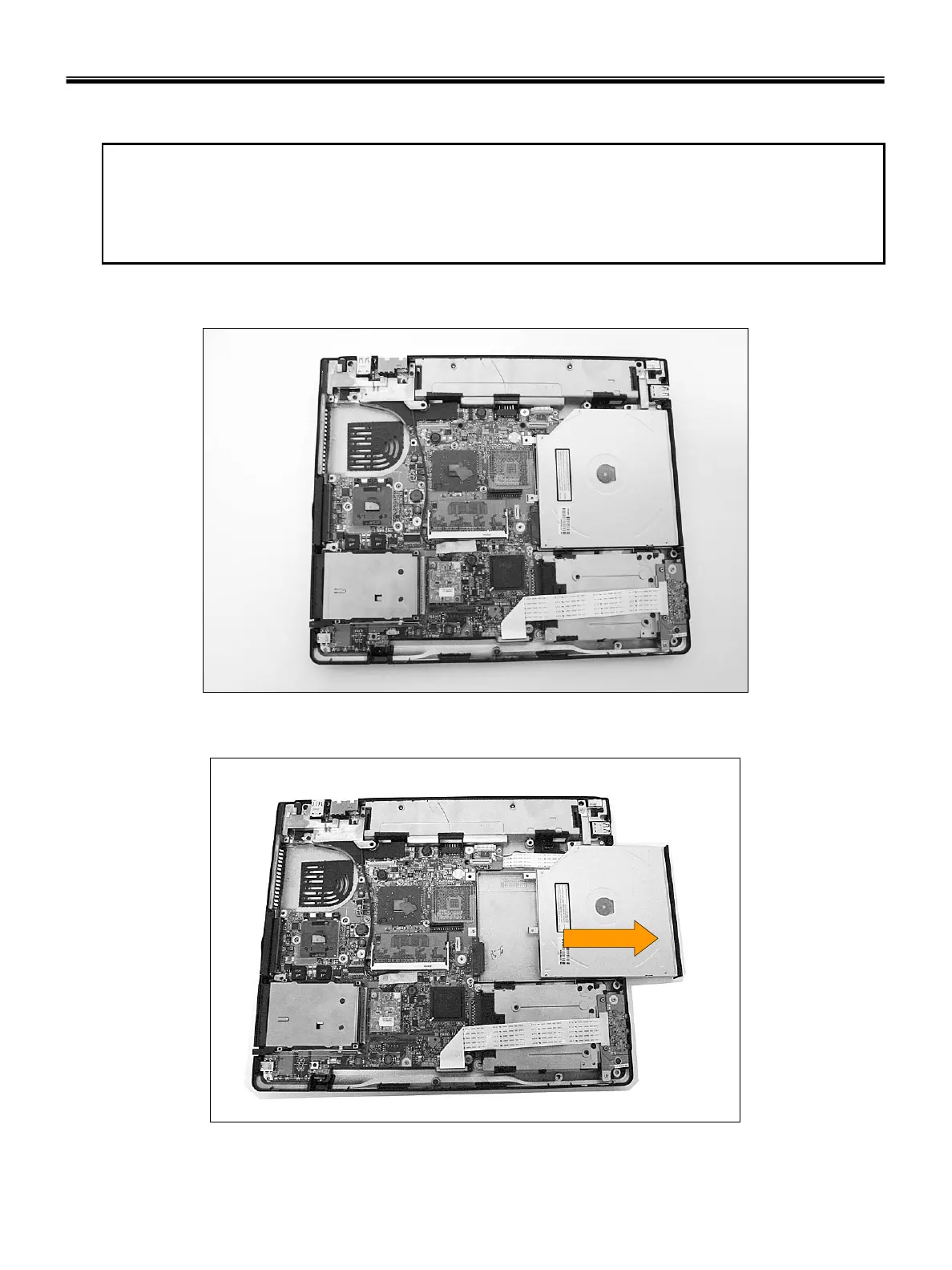
1. Insert a screwdriver into the hole located at the rear of ODD and push it out.



 To Next Page