- 2-11 -
Refer to “IC301
Troubleshooting”.
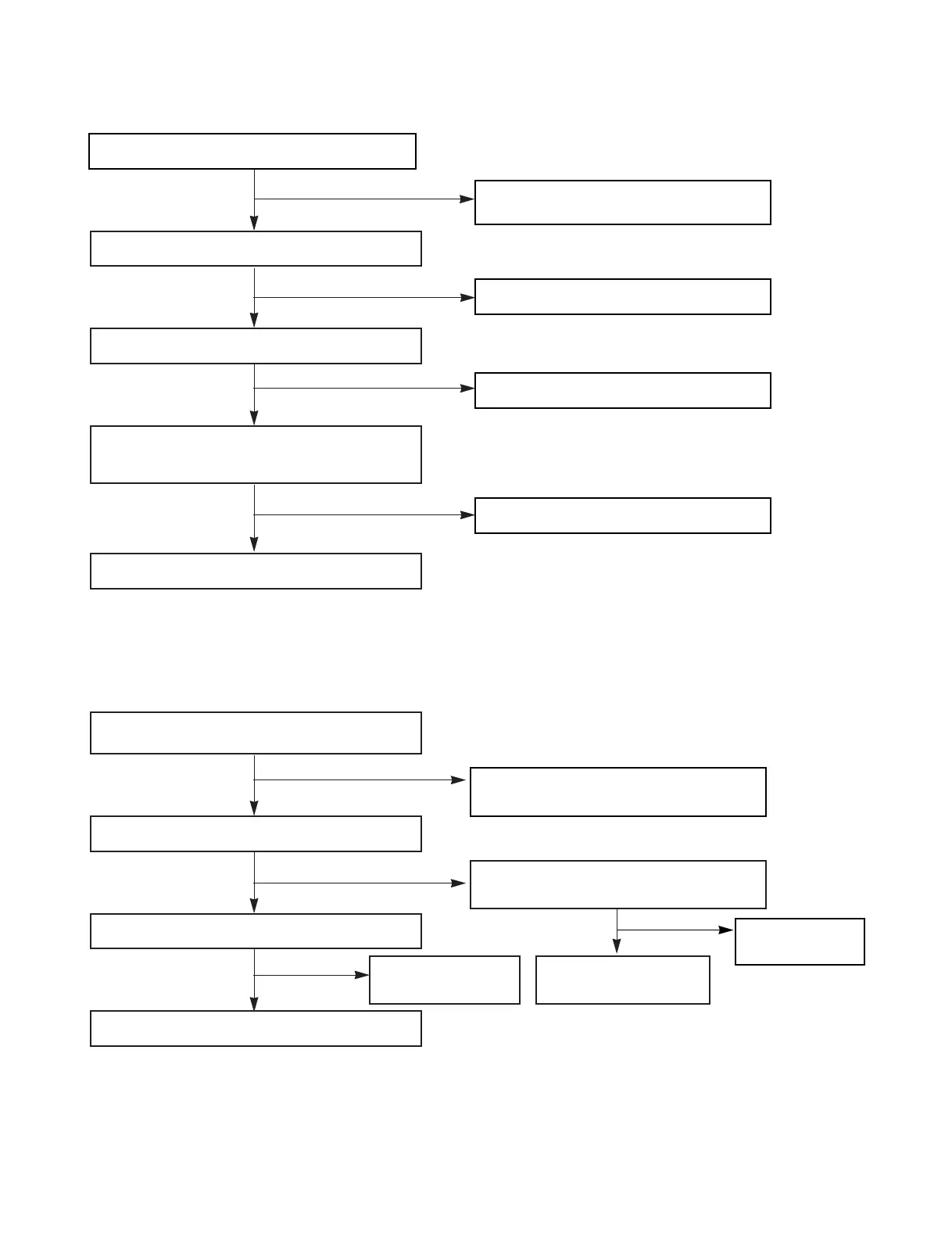
IC301 TROUBLESHOOTING
IC601 TROUBLESHOOTING
Check the power supplying IC301
pin
17, 46, 72, 90?
Refer to “Power Circuit Troubleshooting”.
Check the P-SENS.
Replace the X301.
Check the RESET circuit.
Refer to “Power Circuit Troubleshooting”.
Check the Data of IC301 pin9, 10 .
(CD ➞ TAPE FUNCTION)
Replace the
IC601.
Check the pattern.
Check the P-SENS “High” of IC301 pin26.
Check the oscillation of X301.
When power supplying to IC301 pin11.
(Low ➞ High)
Replace the IC301.
Check the power supplying
to IC601 pin1.
Check the CLK Data of IC601 pin14, 15.
Check the IC601 FUNCTION SELECTOR.
END
YES
YES
YES
YES
YES
YES
YES
NO
NO
NO
NO
NO
NO
NO



 To Next Page