Basic Functions 69
CLIP TRAY
If you copy or cut an image or text, it is automatically saved to the clip
tray and can be pasted to any space at any time.
1
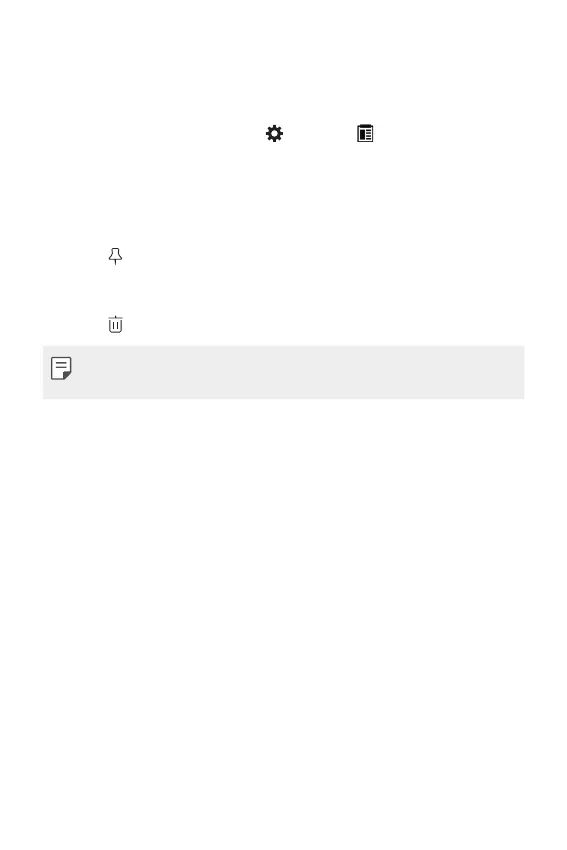
On the keyboard, tap and hold and select .
Alternatively, tap and hold the text input window, then select CLIP
TRAY.
2
Select and paste an item from the clip tray.
• A maximum of 20 items can be saved to the clip tray.
• Tap to lock saved items in order not to delete them, even when
the maximum quantity is exceeded. A maximum of ten items can
be locked. To delete locked items, unlock them first.
• Tap to delete the items saved to the clip tray.
• The clipboard may not be supported by some apps downloaded by the
user.



 To Next Page