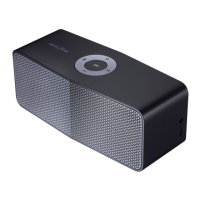
1-5
1) Power on the unit.
2) Hidden mode set up : “Volume Up” + “Power” key for 3 seconds. (you can check beep sound)
3) Connect bluetooth and run ‘LG Audio Bluetooth’ App. (you may download on “Google Play store”)
4) FOTA Update : ① Setting menu on the App ② Check version information ③ FOTA update
(check FOTA guide in below)
PROGRAM UPDATE GUIDE
Step 1. App setting click
Step 4. Check update new version
Step 2. Check version information
Step 3. FOTA update
Step 5. Start downloading fi rmware
Y



 To Next Page
 Loading...