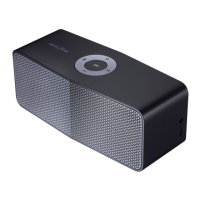
1-5
1. INSTALLING “Music Flow Bluetooth” APP
1) Download “Music Flow Bluetooth” on the Apps Store or Google Play Store.
2. PROGRAM UPDATE BY “Music Flow Bluetooth” APP
1) After power on, Press and Hold “Power” + “Volume Up” Key for 3 seconds.
PROGRAM UPDATE GUIDE
Beep sound is output and all white LED blink once.
2) Run “Music Flow Bluetooth” APP. (ex. Android Bluetooth APP)



 To Next Page
 Loading...