3-13
Copyright © 2018 LG Electronics Inc. All rights reserved.
Only for training and service purposes.
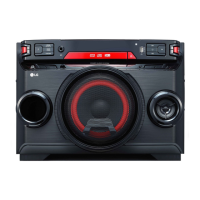
< MAIN board bottom view >
IC400
IC401
ONE POINT REPAIR GUIDE
NO OPERATION OF MD
When no sound output in the CD function, you can not listen to music reading data from a CD
disc if the pickup module in MD doesn’t work. This step is for checking the LASER FOCUSING
ACTUATOR.
5-5. LASER FOCUSING ACTUATOR
5-5-1. Solution
Replace IC400 on MAIN board.
5-5-2. How to troubleshoot (Countermeasure)
The focusing actuator makes the laser beam keep a regular interval with the surface of a CD disc.
1) Check the FDO signal from pin13 of IC401.
If no signal, check DVCC_3.3 and X400.
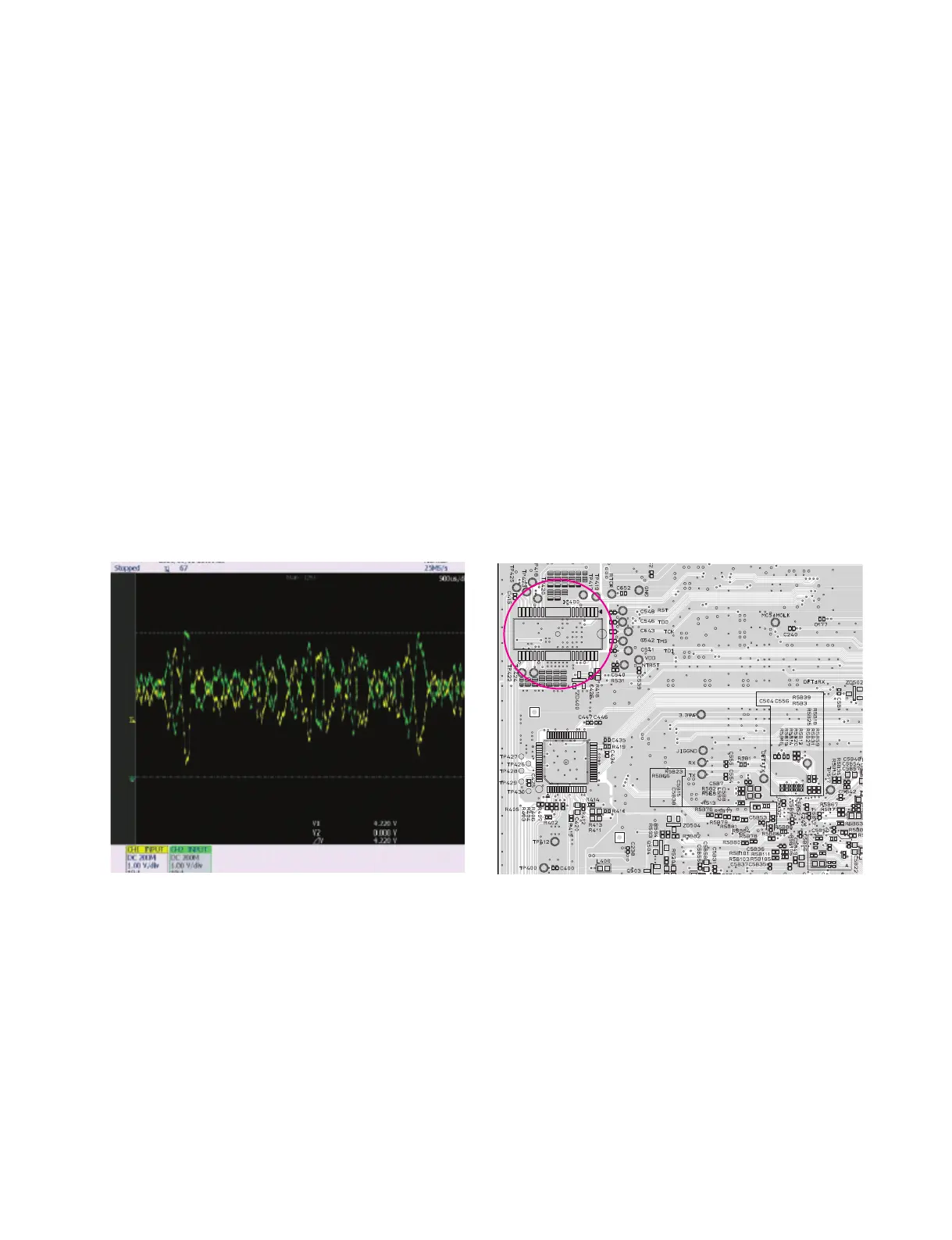
2) Check F- & F+ from IC400 to CN400 for driving the focusing actuator.
If no signal, check M_5V for IC400.
3) Check if the FFC cable is solidly connected between CN400 and MD.
4) Check the MD.
If the pickup module has any trouble, it can not move the laser beam on the top or bottom side.
Please check the function after changing another MD.
5-5-3. Service hint (Any picture/ Remark)
< Waveform of F±
for driving focusing actuator >
F+: pin14
F-: pin13



 To Next Page