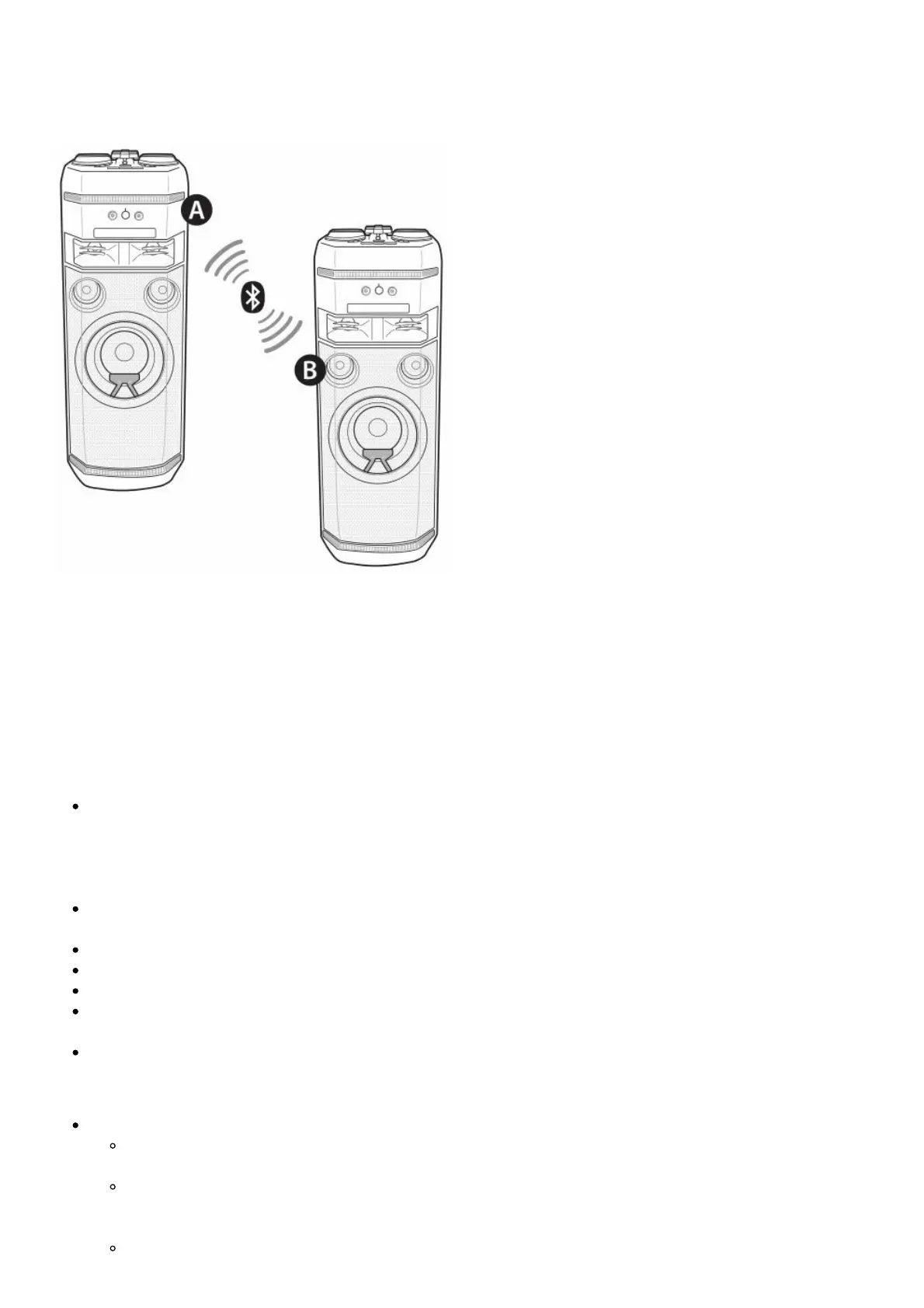
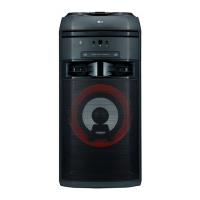
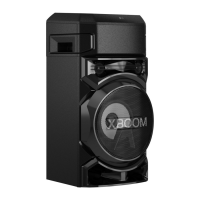
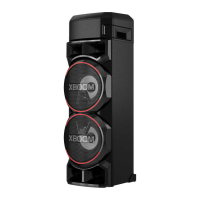
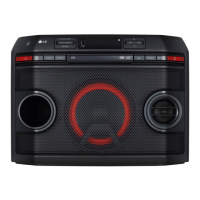
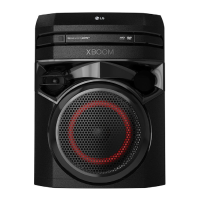
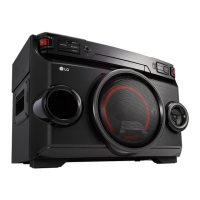
The output sound of (A) (MAIN) unit is expanded to (B) (OTHER) unit.
It is compatible with unit that supports WIRELESS PARTY LINK.
The name of function about sound expansion between the compatible products wirelessly was
changed to WIRELESS PARTY LINK.
1. Press 3 WIRELESS LINK on the unit. PARTY LINK MODE SELECT appears in the display window.
2. Press 3 WIRELESS LINK on the unit to select MAIN or OTHER.
– unit : Selects MAIN.
– unit : Selects OTHER.
Two units try to connect with each other.
3. When these units are successfully connected each other, each of connected device names
appears in the each unit.
Note
If you are using the LG Sound Sync or OPTICAL connection, this function is not available.
– If you try to connect WIRELESS PARTY LINK when using LG Sound Sync function or OPTICAL
function, “NOT SUPPORT” appears in the display window.
– If you change the function from any other to OPTICAL or connected LG Sound Sync /OPTICAL
when using WIRELESS PARTY LINK, the WIRELESS PARTY LINK will be released.
You can use microphone in the OTHER unit only. In case of OTHER unit, some functions are
supported only.
When WIRELESS PARTY LINK is disconnected, OTHER unit is changed to BT (Bluetooth) function.
If the connection is failed, “FAILED” appears in the display window.
Mute function is synchronized with each other.
WIRELESS PARTY LINK connection will be disconnected when you turn off the unit or press 3
WIRELESS LINK on the unit.
Sound of MAIN unit and OTHER unit may be different depending on playback status or source.
Note
Check the following information when connecting to Bluetooth.
You can connect only one Bluetooth device in the MAIN unit. You cannot connect Bluetooth
device to the OTHER unit.
WIRELESS PARTY LINK connection is only supported on Android devices. (WIRELESS PARTY
LINK connection may not be supported depending on the connected device specifications or
OS.)
Removable/detachable Bluetooth devices (ex. Dongle etc.) will not support WIRELESS PARTY


 To Next Page