Some models may not be supported.
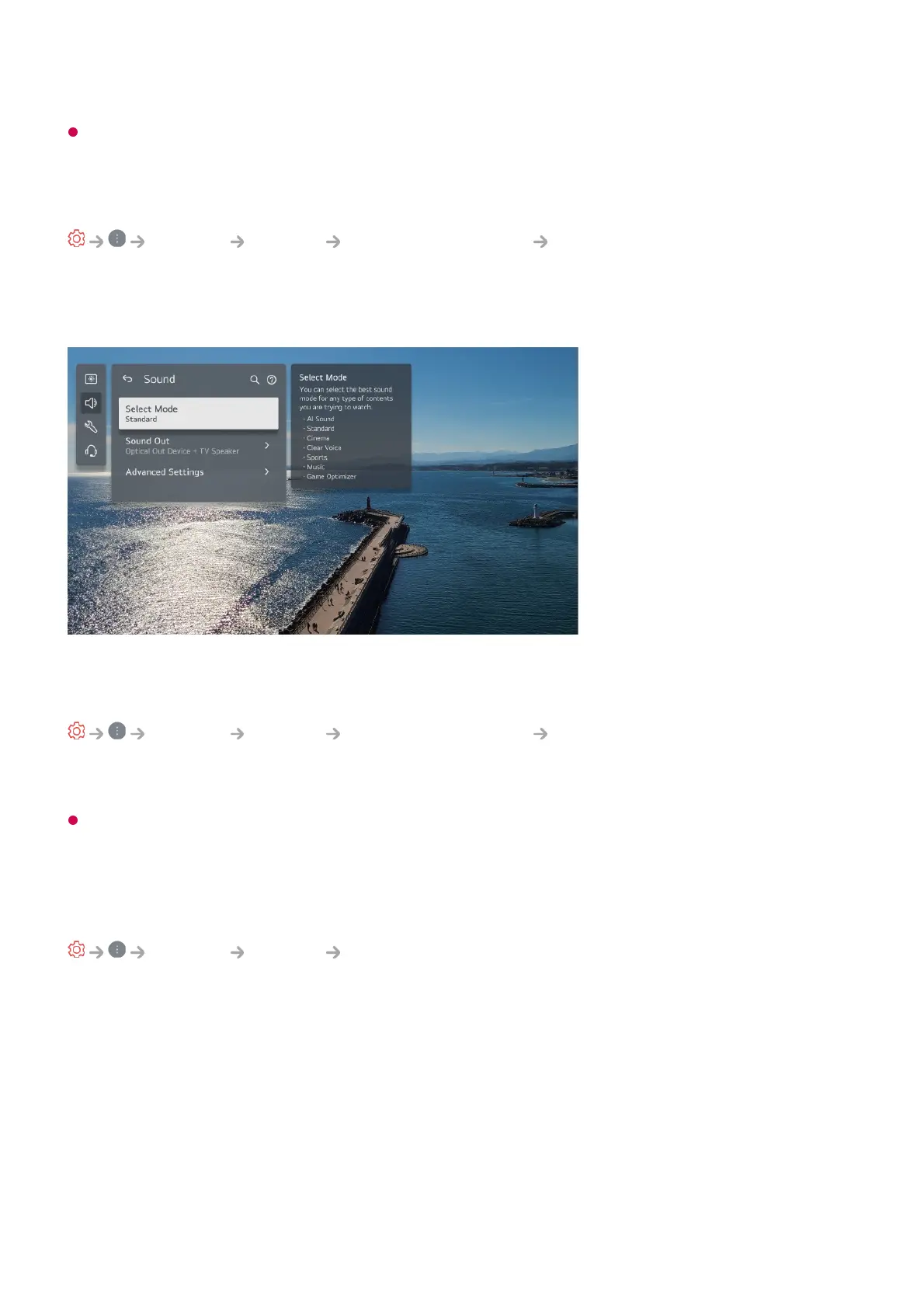
To Use Settings Help
General System Additional Settings Settings Help
When set to On, you can get help for the selected items when navigating through the
Settings menu.
Set ID
General System Additional Settings Set ID
You can set a number (ID) to manage multiple TVs.
This feature is for administrators. It is not recommended for use in a typical home
environment.
Restoring the Default Settings
General System Reset to Initial Settings
Return TV to its initial settings. After reset, the TV will automatically turn off and on.
Reset All
All items on the TV are changed to their default settings.
Reset all except network settings
All items except the network settings are changed to their default settings.



 To Next Page