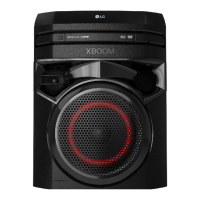
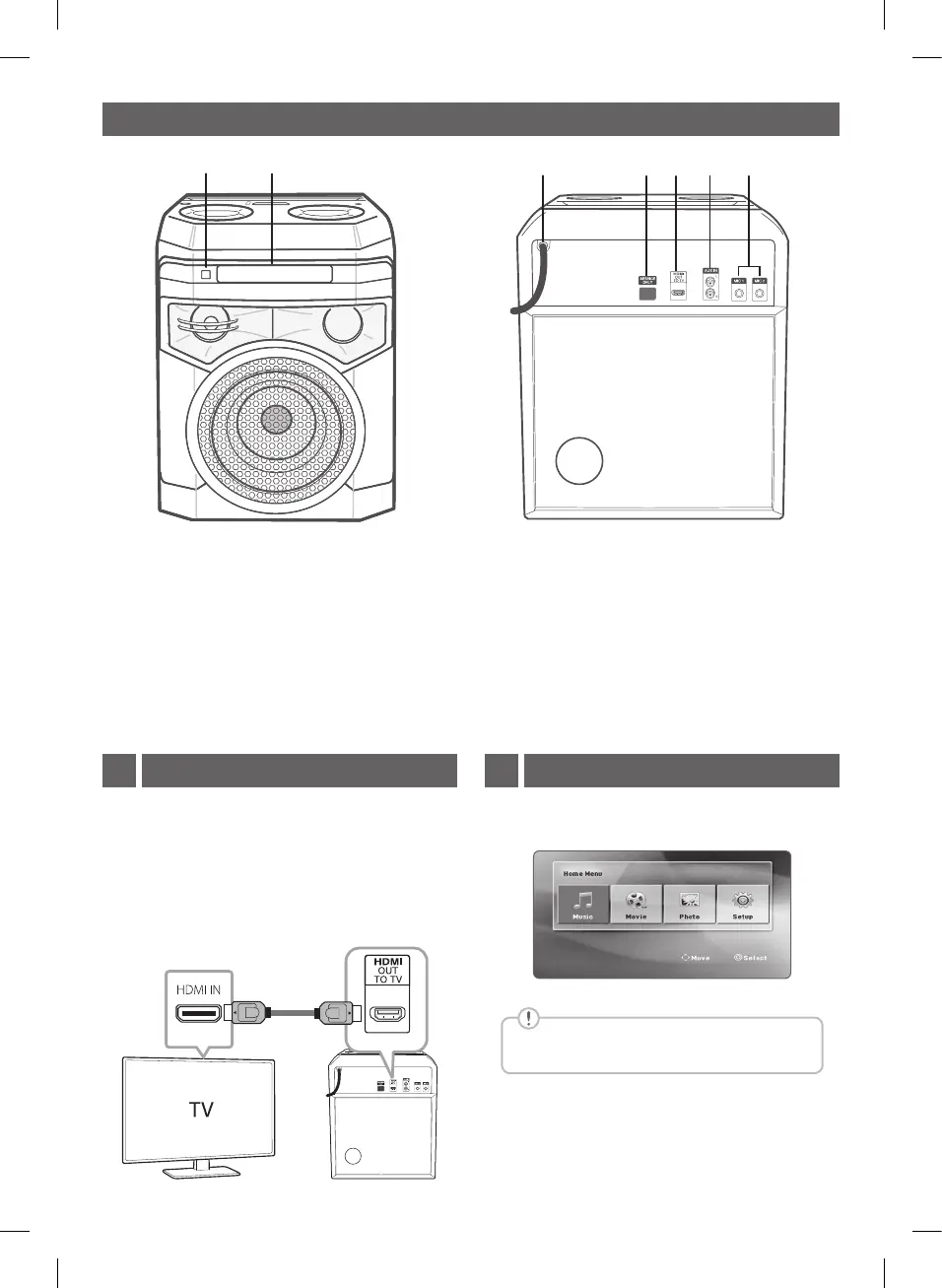
Front panel / Rear panel
a
Remote sensor
b
Disc tray
c
Power cord
d
SERVICE ONLY: S/W download connector.
e
HDMI OUT TO TV: Connect to TV.
f
AUX IN (L/R): Connect an auxiliary device.
g
MIC (Microphone) 1/2: Connect a microphone.
b
HDMI Connection:
Connect with the Unit and TV using HDMI .
a
Connect the Unit to the TV using HDMI cable.
b
Set the input selector to HDMI on the TV.
c
Follow the instructions on the TV screen using
remote control.
Home menu appears on the TV screen. Enjoy various
functions on the player.
Home menu only appears on DVD.CD function.
TV Connection1 Home Menu2
ON2D-N.EFRALLK_SIM_ENG_MFL71714710.indd 3 2020-05-12 8:31:59



 To Next Page
 Loading...