13
ENGLISH
• For some OS, you can specify the IP settings in the network driver information
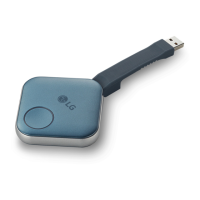
and manually install the program included in the Dongle.
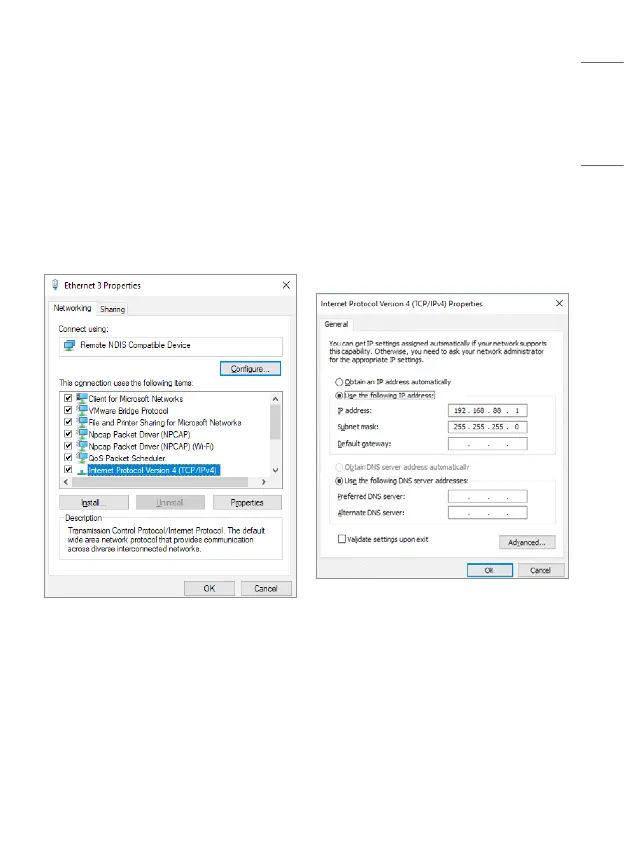
- When you connect the Dongle to your PC, you will be able to see within one
minute that the NDIS driver is installed on the adapter in the Network &
Internet Settings menu.
- Double-click the NDIS adapter to show the Properties menu.
- Select the IP4 entry, and set the IP address to 192.168.88.1.
- For more details on network settings, please refer to the Help section of the
relevant operating system.


 To Next Page