EasyManua.ls Logo

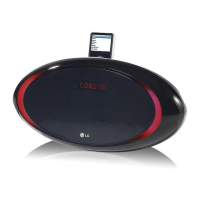
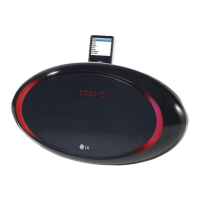
LG PC12-UA - User Manual

LG PC12-UA
12 pages
Print Icon
To Next Page IconTo Next Page
Loading...
LGEMC_PC12_ENG_MFL40699306
MODEL : PC12 (PC12 - UA)
iPod is a trademark of Apple Computer, Inc, registered in the U.S. and other countries.
ENGLISH

Questions and Answers

  • K
    Krystal GrayAug 12, 2025
    What to do if my LG PC12-UA Docking Station remote control does not work properly?
    • E
      Erika PalmerAug 12, 2025
      If the remote control for your LG Docking Station isn't working, ensure that you're pointing it directly at the unit's remote sensor and are within a 16 ft (5 m) range. Also, make sure there are no obstacles blocking the path between the remote and the unit. If the issue persists, replace the remote's battery with a new one.
  • U
    ushieldsAug 21, 2025
    Why does my LG PC12-UA Docking Station have no power?
    • R
      richard60Aug 21, 2025
      If your LG Docking Station has no power, first ensure the power cord is properly plugged in. If it is, check whether there is a power outage by testing other electronic devices.
  • R
    Richard GuerraSep 1, 2025
    What to do if my iPod does not work with LG PC12-UA?
    • G
      Gabriel PierceSep 1, 2025
      If your iPod isn't working with the LG Docking Station, verify that the player is correctly connected to the unit. Also, ensure that your iPod is sufficiently charged. Note that the iPod should automatically charge when connected to the player.

LG PC12-UA Specifications

General IconGeneral
BrandLG
ModelPC12-UA
CategoryDocking Station
LanguageEnglish

Related product manuals