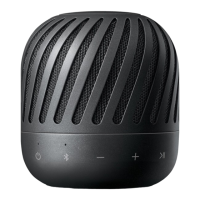
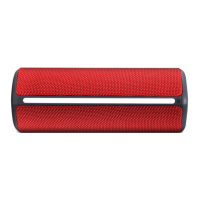
2
AC Adapter
(Not supplied)
Green Off : Full Charged
Red : Charging
Red (Blink) : Low Battery
Portable input
Reset hole
ENGLISH
Power
Power On / Off
.........................
Press
Bluetooth
To pair your mobile device, select LG PJs(xx) from device list.
(Bluetooth LED: Blink ON)
Ready to pair another device
............
H o l d
Playback
Controls
Play / Pause ............................ Press
Forward Skip ........................... Press X 2
Backward Skip ......................... Press X 3
Handsfree Receive / Disconnect ................... Press
Dual Play
(Optional)
You need two speakers.
Press and hold each speaker’s button for 2 seconds.
(Dual play LED : Blink ON)
PJ3.DEUSLLK_SIM_7102.indd 2 2017-04-28 �� 10:01:13

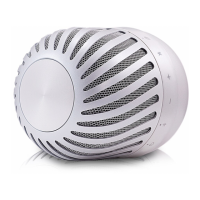

 To Next Page
 Loading...