6
Power
Power On / Off
....................................
Press 1
Battery
Check Battery Status
.................
Hold 1 for 2 seconds
Bluetooth
To pair your mobile device, select LG-PN1(XX) from device
list. (LED 2 (Bluetooth LED): Blink ON)
Ready to pair another device
...........
Hold
for 2 seconds
Playback
Controls
Play / Pause
....................................
Press
Forward Skip
...................................
Press X 2
Backward Skip
.................................
Press X 3
ENGLISH
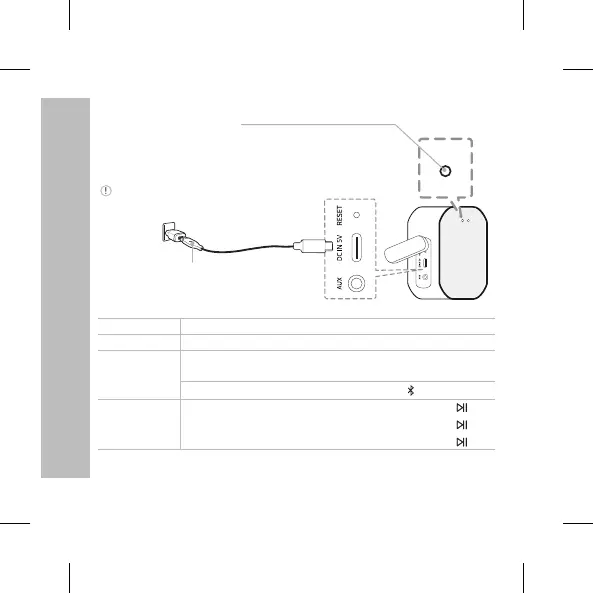
LED 1 (Battery LED) status
Fully Charged: Green White (with the power on),
Green Off (with the power off) / Charging: Red
LED 1 (Battery LED) status
Green: ≥ 70 % / Amber: > 10 %
Blinking red indicates the battery needs to be charged.
AC Adapter
(Not supplied)


 To Next Page