Need help?
Do you have a question about the LG SC100 and is the answer not in the manual?
Instructions and warnings for product installation to prevent accidents.
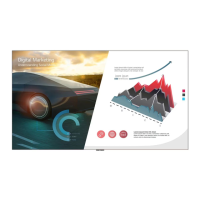
List and illustration of included accessories provided with the LG Laser Display Screen.
Tools and materials required for the setup and installation of the product.
Detailed steps for securing anchors and screws during wall mounting for the display screen.
Step-by-step guide for mounting the LG Laser Display Screen, covering multiple stages.
 General
| Aspect Ratio | 16:9 |
|---|---|
| Gain | 1.0 |
| Screen Size | 100 inches |
| Mount Type | Wall mount |
| Viewing Angle | 160 degrees |


 To Next Page