Adjust the settings - more you can do
Adjust the language settings
OSD – Select a language for the Setup menu and on-screen display.
There is displayed as “-” or other error mark on display when you
change OSD.
- Restart the unit
- Change function
- Disconnect and connect USB device.
Disc Menu/Audio/Subtitle – Select a language for the Menu/Audio/Subtitle.
[Original]: Refers to the original language in which the disc was recorded.
[Others]: To select another language, press number buttons then ENTER to
enter the corresponding 4-digit number according to the language code list in
the reference chapter (see page 18). If you make a mistake before pressing
ENTER, press CLEAR.
[OFF] (for Disc Subtitle): Turn off Subtitle.
9
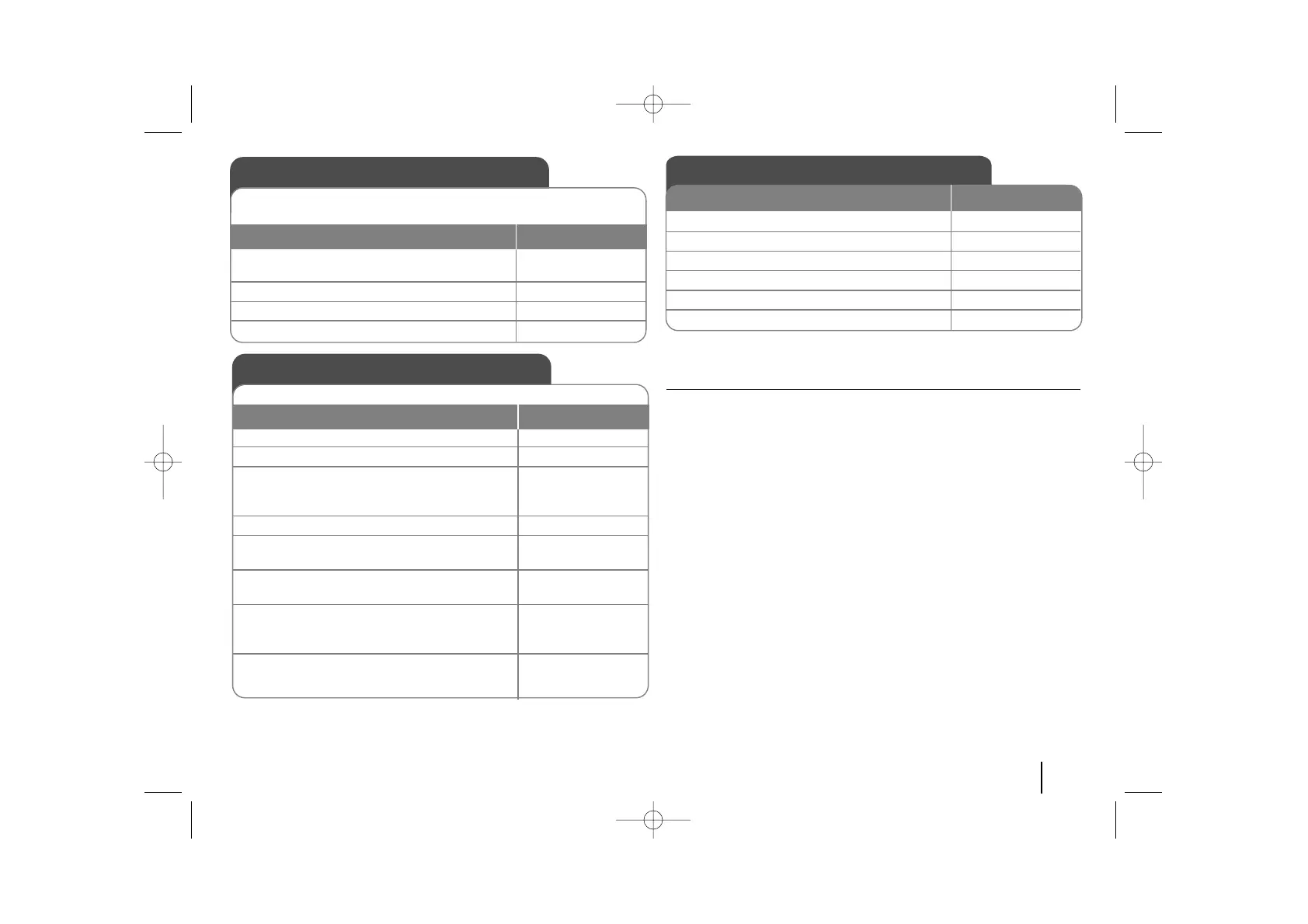
Adjust the settings
ON REMOTE
1Display setup menu : SETUP
2 Select a desired option on the first level:
vv VV
3 Move to second level:
BB
4 Select a desired option on the second level:
vv VV
5 Move to third level:
BB
6 Change the setting:
vv VV
, ENTER
OSD Initial language settings
1Turn the power on:
Appear the language list display window POWER
2Select the language: vV b B
3 Press: ENTER
4To confirm press:
bB and ENTER
Before using the unit for the first time, you have to adjust OSD initial
language
ON REMOTE
Initial Setting the Area Code
1Display setup menu: SETUP
2Select LOCK menu on the first level: v V
3 Move to second level:
Appears the activated Area code on the
second level.: B
4 Move to thirdlevel: B
5Enter the new pass word: numerical buttons
(0-9) and ENTER
6 Recheck entered new pass word:
numerical buttons
(0-9) and ENTER
7 Select a code for a geographic area:
After select,Rating and Passward will be
activated.(page18) vV b B
8To confirm press: ENTER
After factory setting ,To set the Area code you have to as below.
ON REMOTE



 To Next Page