Custom-designed Features 39
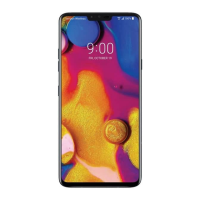
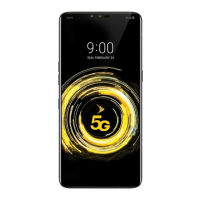
AOD (always-on display)
You can view the date, time or signature when the main screen is turned
off.
Swipe the bottom of the AOD (always-on display) screen to activate
features including Camera, Capture+, Wi-Fi, sound settings, Bluetooth
®
,
Flash, Music and more.
1
Tap Settings Display AOD (always-on display).
2
Tap to enable the feature, then configure the followings as
desired.
• Tap the desired option among Digital clock, Analog clock, Dual
clock, Signature, Calendar and Image, configure its settings as
desired, then tap Save.
• Tap Quick tools & music player
to swipe over the status icons
for Quick tools and the music player.
• Tap AI Pick
to see useful information provided based on
Context Awareness.
• To set a daily time to turn off the AOD (always-on display) feature,
tap Night time.
• To enhance brightness for the AOD (always-on display) feature, tap
Brighter display.
• The battery may drain faster when you use AOD (always-on display).
Turn this feature off to save battery power.
• To deactivate AOD (always-on display) feature, tap
Settings
Display AOD (always-on display), and then tap .


 To Next Page