7
3. Select to remove hardware.
4. When your computer indicates it is acceptable to remove hardware, then
unplug the USB Drive from the USB port.
For Microsoft Windows 98/98SE, you need to install new drivers for the
USB Drive to operate. If you do not have the driver installation CD-ROM,
you can download it from www.lge.com
.
Installing USB Driver
1. Start Windows 98 or Windows 98SE.
2. Insert the provided CD into CD-ROM Drive.
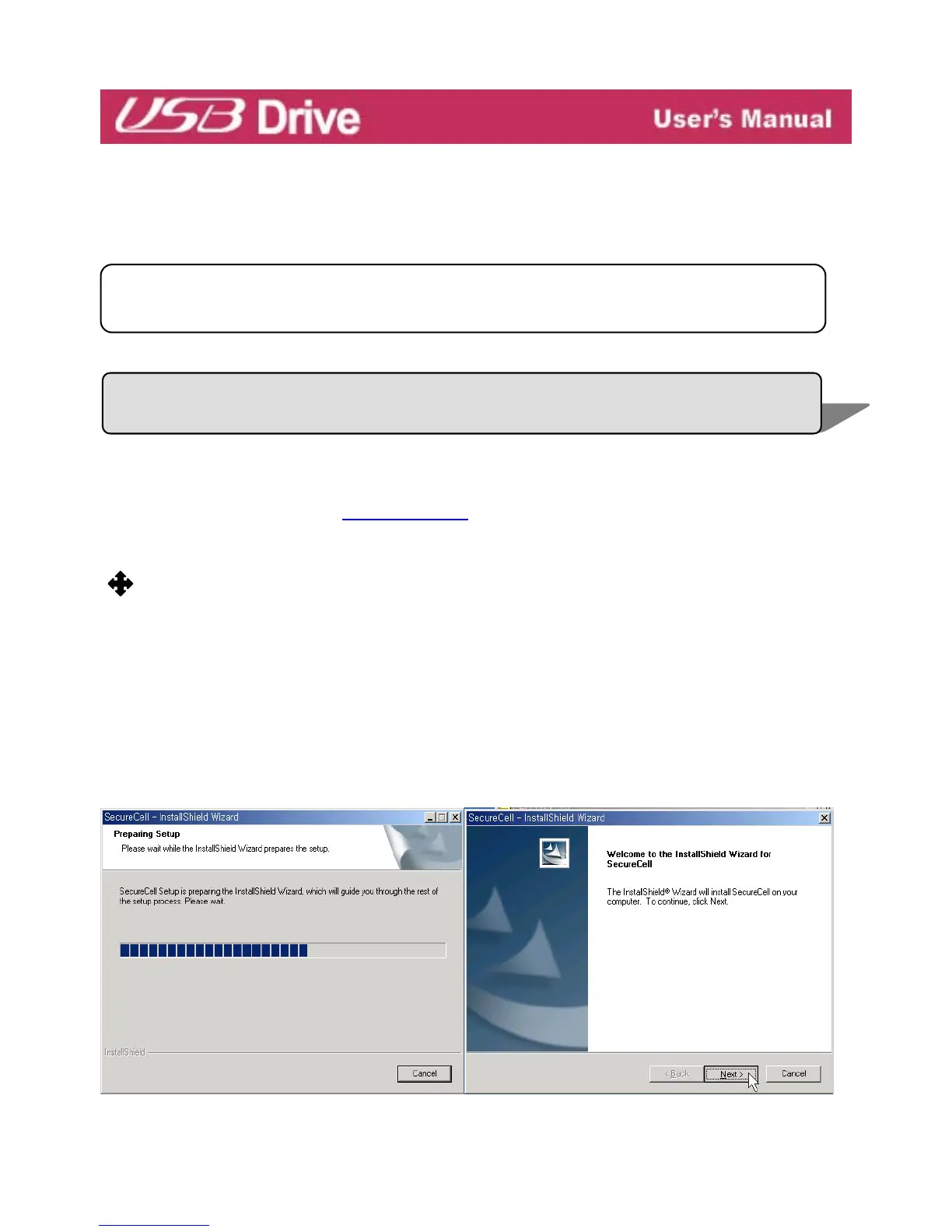
3. Click [SecureCell Utility] in the CD.
(Not insert
USB Drive to USB port of your PC, Include Windows 98/98SE Device
Driver)
4.The Install Shield Wizard of Windows98 Device Driver or SecureCell Utility appears ,
as shown in the following figure.
Caution: Never remove or unplug USB Drive while the Red Status LED is
flashin



 To Next Page