9
Turn LG G Watch on or off
Turn the watch on
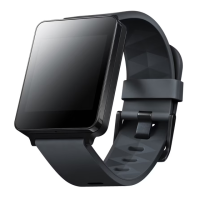
Connect the charging cradle to a power outlet and place the G Watch on it. The device will turn on automatically.
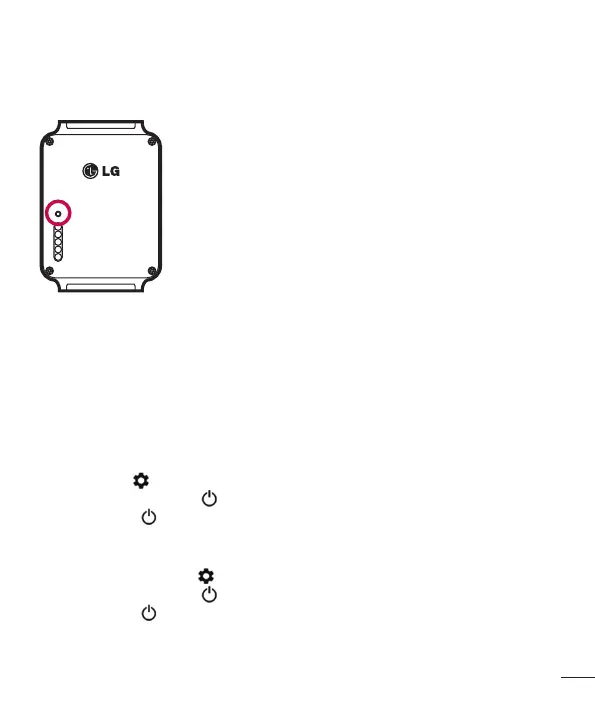
You can also press the reset button using a pen or paperclip. Press and hold the button for 2 seconds.
Turn the watch off
1 If your screen is dim, touch the screen to wake up the watch.
2 Touch anywhere on the background of the screen. You’ll see a white screen with a red “g.”
3 Touch again anywhere on the screen to see a menu of things you can do.
4 Scroll down to the bottom of the menu.
5 Touch Settings .
6 Scroll until you see Power off .
7 Touch Power off .
You can also use the reset button to turn the watch off:
1 Press the reset button very quickly, for about half a second.
2 This will take you to Settings .
3 Scroll until you see Power off .
4 Touch Power off .
Restart the watch
Press & hold the reset button for about 8 seconds, using a pen or paperclip.
You can also restart through settings.


 To Next Page