36
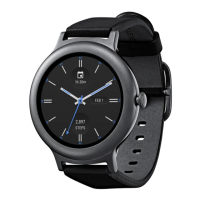
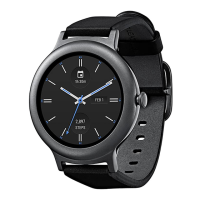
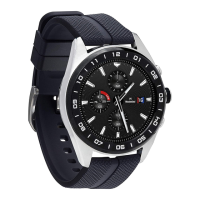
3 Swipe to the right or left to browse the designs.
4 Touch to choose a new design.
From Settings
1 If your screen is dim, touch the screen to wake up the watch.
2 Touch anywhere on the background of the screen. You’ll see a white screen with a red “g.”
3 Touch again anywhere on the screen to see a menu of things you can do.
4 Scroll until you see Settings .
5 Touch Settings .
6 Scroll until you see Change watch face .
7 Touch Change watch face .
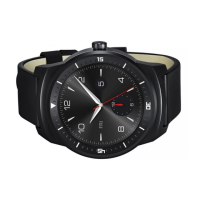
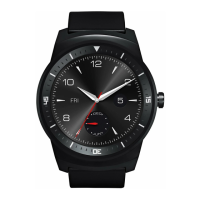
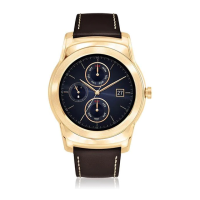
8 Swipe to the right or left to browse the designs.
9 Touch to choose a new design.
For another way to get to Settings, say “Ok Google, Settings” from your active watch
face.
Change watch brightness
To change the brightness of your screen:
1 If your screen is dim, touch the screen to wake up the watch.
2 Touch anywhere on the background of the screen. You’ll see a white screen with a red “g.”
3 Touch again anywhere on the screen to see a menu of things you can do.
4 Scroll until you see Settings .
5 Touch Settings .
6 Touch Adjust brightness .
7 Choose a brightness level by touching an option.
For another way to get to Settings, say “Ok Google, Settings” from your active watch
face.
SETTINGS


 To Next Page