23
2) FAVORITE Wash
Pressing the FAVORITE button allows you to store your FAVORITE wash conditions in the normal cycle
memory and then recall it for use at a later time.
1
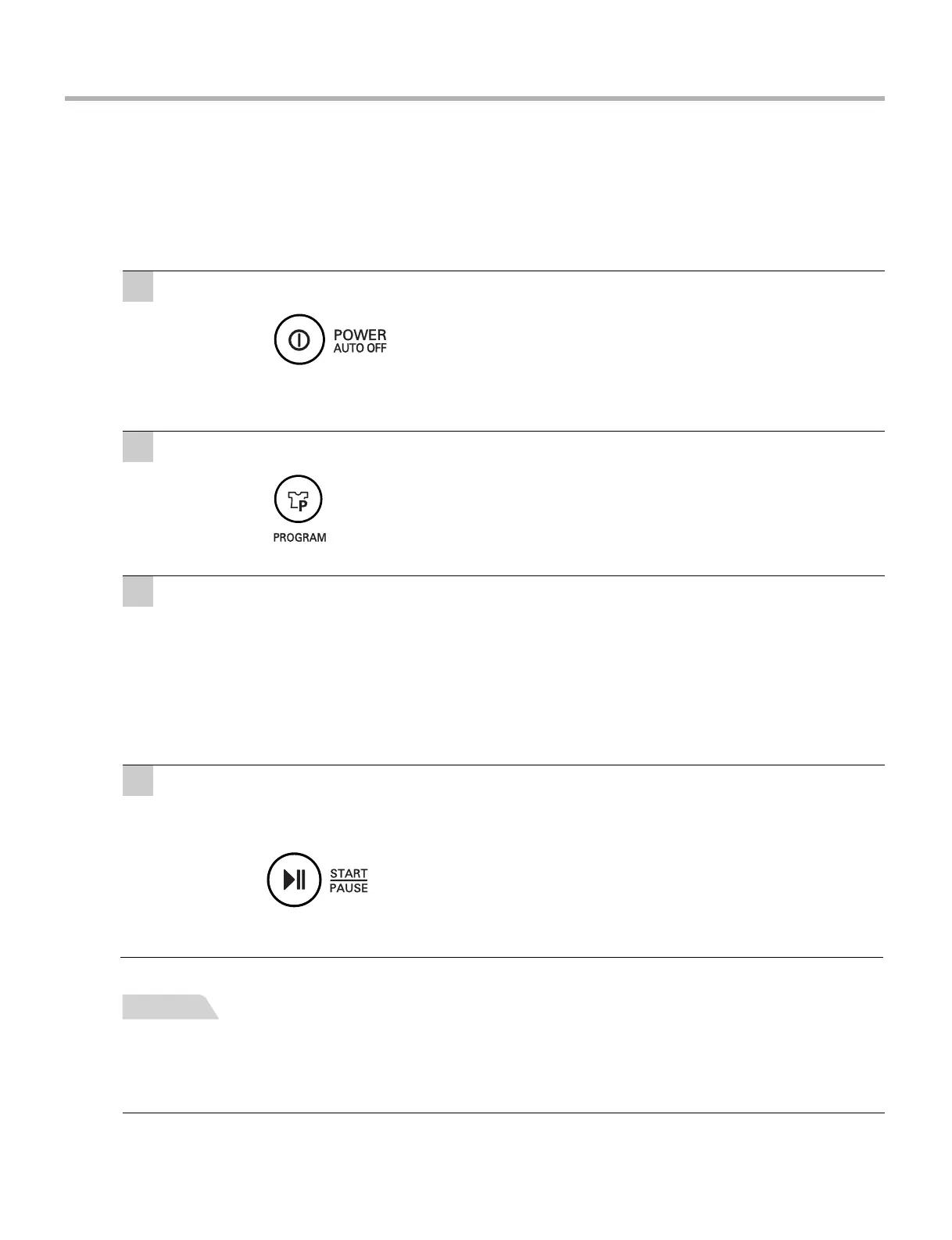
Press the POWER (AUTO OFF) button to turn power on.
2
Select the FAVORITE program.
3
Select your FAVORITE wash conditions.
• Press the WATER button to select WATER.
• Press the WASH button, the RINSE button & the SPIN
button to select wash time, rinse time & spin time
respectively you want to store.
To recall your FAVORITE cycle.
1. Press POWER on.
2. Select the FAVORITE cycle by pressing the PROGRAM.
3. Press the START/PAUSE button. Then the wash cycle starts.
NOTE
4
Press the START/PAUSE button to store & start your FAVORITE wash cycle.
Power turns off automatically after wash.

 To Next Page
 Loading...