41
Contacts
40
Contacts
You can add contacts on your phone and synchronise them with the contacts in your
Google Account or other accounts that support syncing contacts.
Searching for a contact
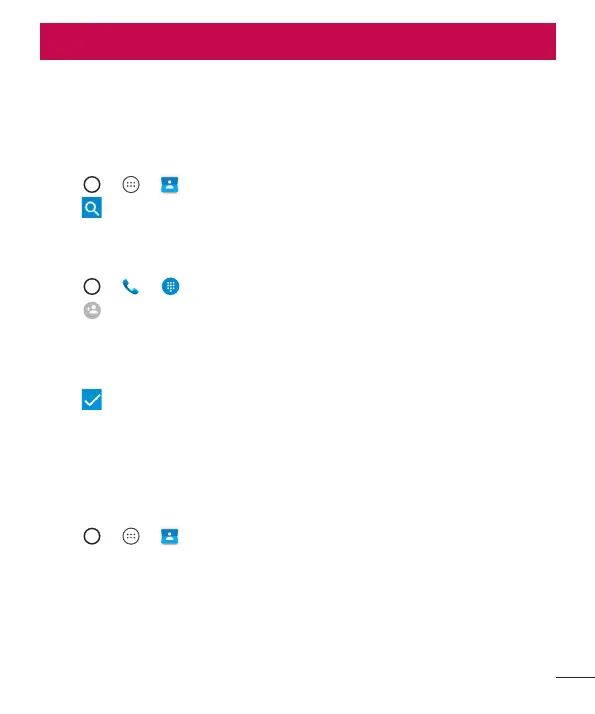
1 Tap > > to open your contacts.
2 Tap and enter the contact name using the keyboard.
Adding a new contact
1 Tap > > and enter the new contact's number.
2 Tap > Create new contact.
3 If you want to add a picture to the new contact, tap the image icon.
Choose Take photo or Choose photo.
4 Enter the desired information for the contact.
5 Tap to save.
Favourites contacts
You can classify frequently called contacts as favourites.
Adding a contact to your favourites
1 Tap > > to open your contacts.
2 Tap a contact to view its details.
3 Tap the star at the top right of the screen. The star turns white.



 To Next Page