

 To Next Page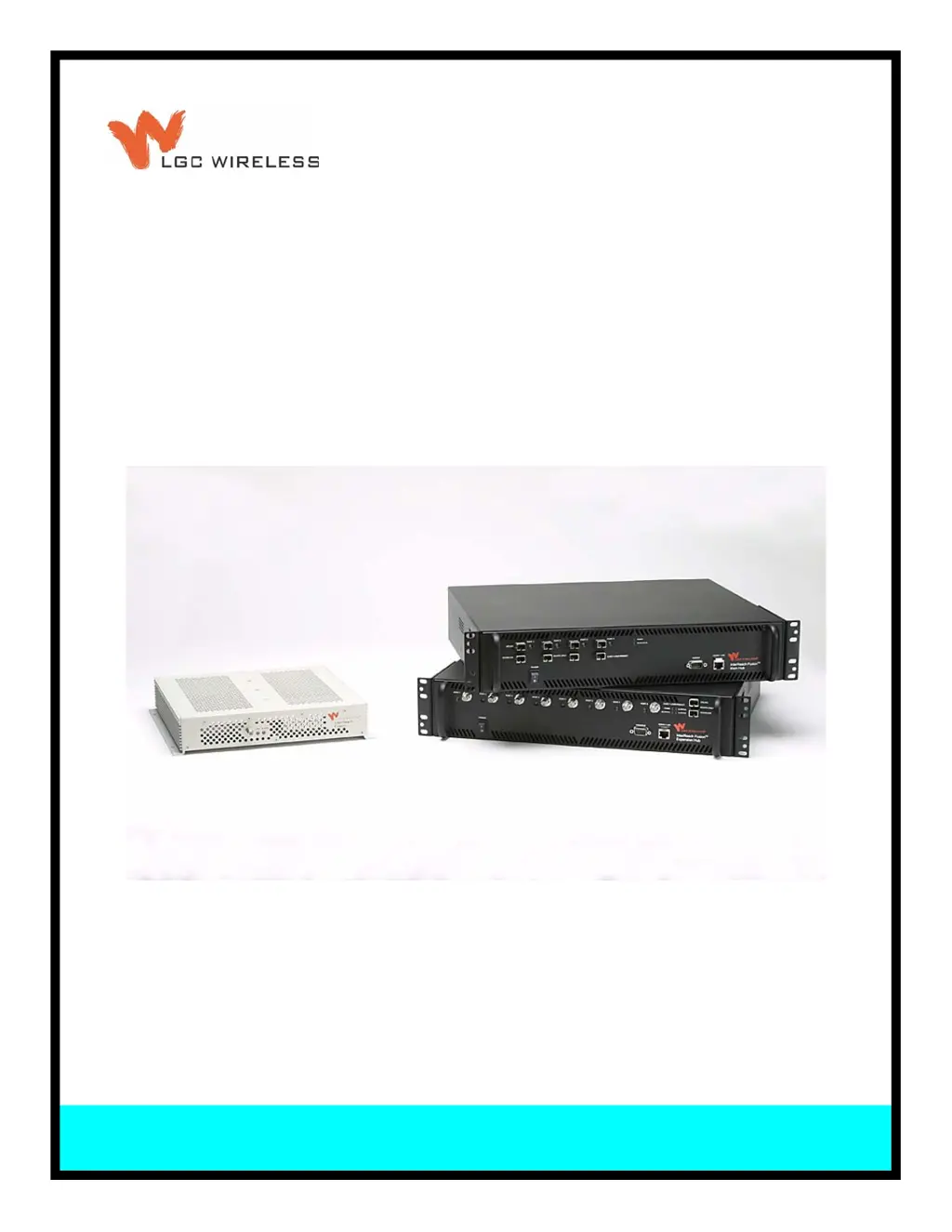
T
Tiffany Hunt DDSAug 6, 2025
Why is Main Hub power on with no Expansion Hubs connected on LGC wireless InterReach Fusion?
- JJohn WiseAug 6, 2025
If the Main Hub power is on but no Expansion Hubs are connected to your LGC wireless Receiver, start by checking the AC power and ensuring the Main Hub power-on switch is turned on. If the issue persists, the power supply might be out-of-specification, the micro controller may not be resetting properly (flash memory corrupted), or there could be a fiber sensor fault. In any of these cases, replacing the Main Hub is the suggested solution. If there is a fiber sensor fault, avoid using the port.
 General