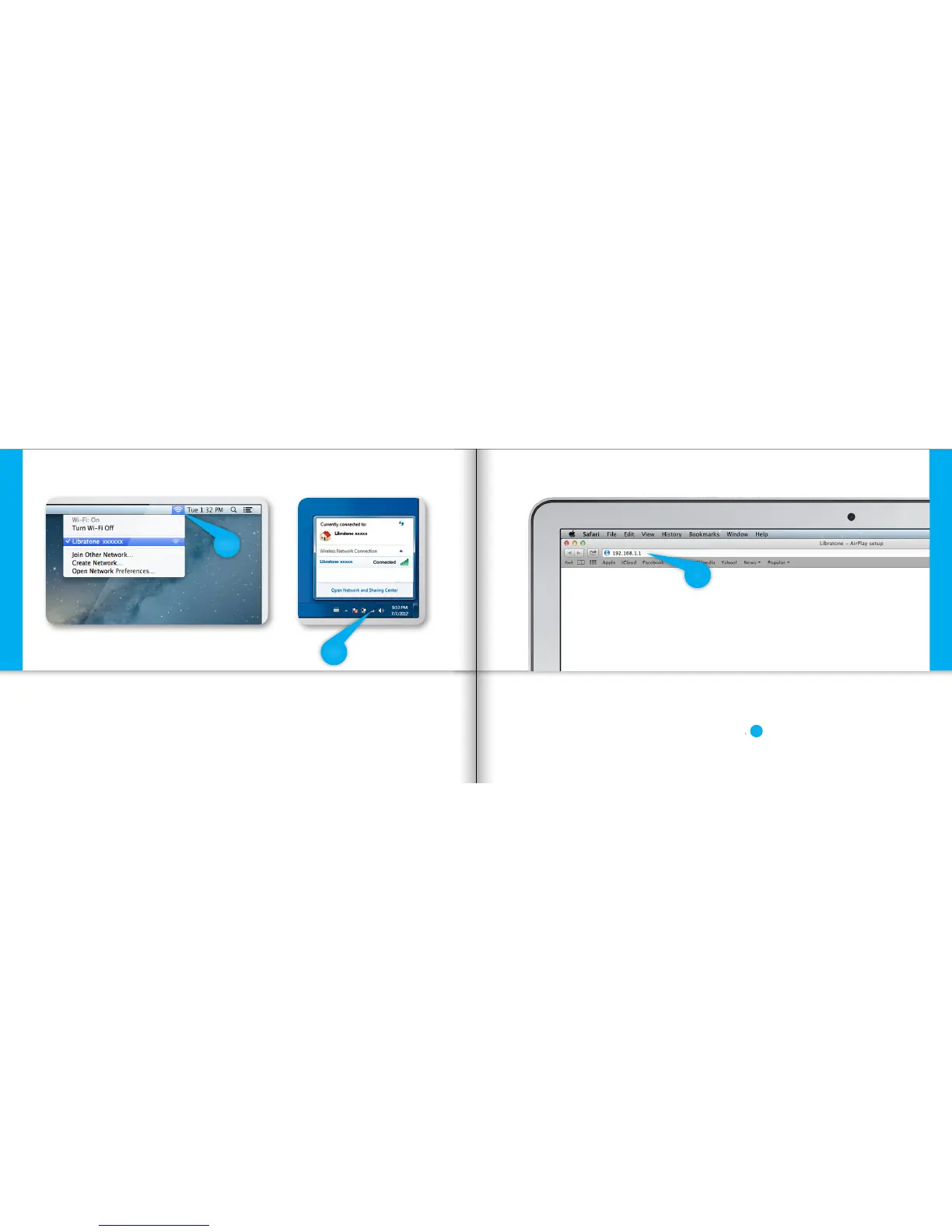
FIND YOUR LIBRATONE LOOP NETWORK
• Open “Wi-Fi” connections on your Mac/PC.
• Choose the “Libratone” network.
Setup AirPlay - Mac/PC - Wi-Fi
MAC
PC
ENTER YOUR SPEAKER SETUP PAGE
• Open your browser.
• Type 192.168.1.1 in the browser and press “ENTER”.
Setup AirPlay - Mac/PC - Wi-Fi
1
1
22 23



 To Next Page