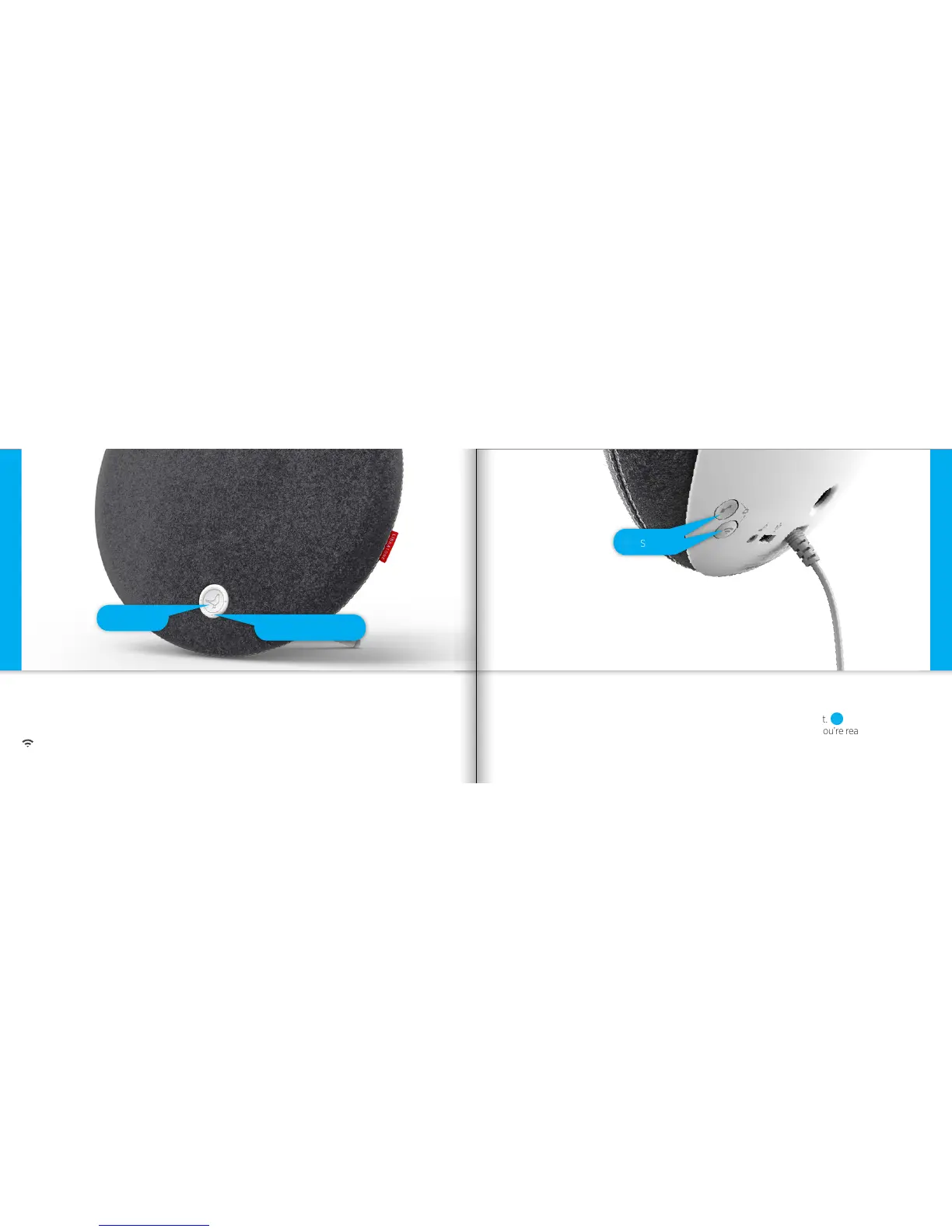
• Press the Libratone “Logo Button” to turn it on.
Make sure your home Wi-Fi is up and running and within range of both your speaker and Mac/PC.
Setup AirPlay - Mac/PC - Wi-Fi
TURN ON YOUR LIBRATONE LOOP PUT YOUR SPEAKER IN SETUP MODE
• Press the “PlayDirect” and “AirPlay” buttons simultaneously and wait.
• When the “Status Indicator” emits the WHITE PlayDirect sequence, you’re ready to proceed.
Setup AirPlay - Mac/PC - Wi-Fi
Status Indicator
Setup
1
Logo Button
1
20 21



 To Next Page