CL-2 Service Manual
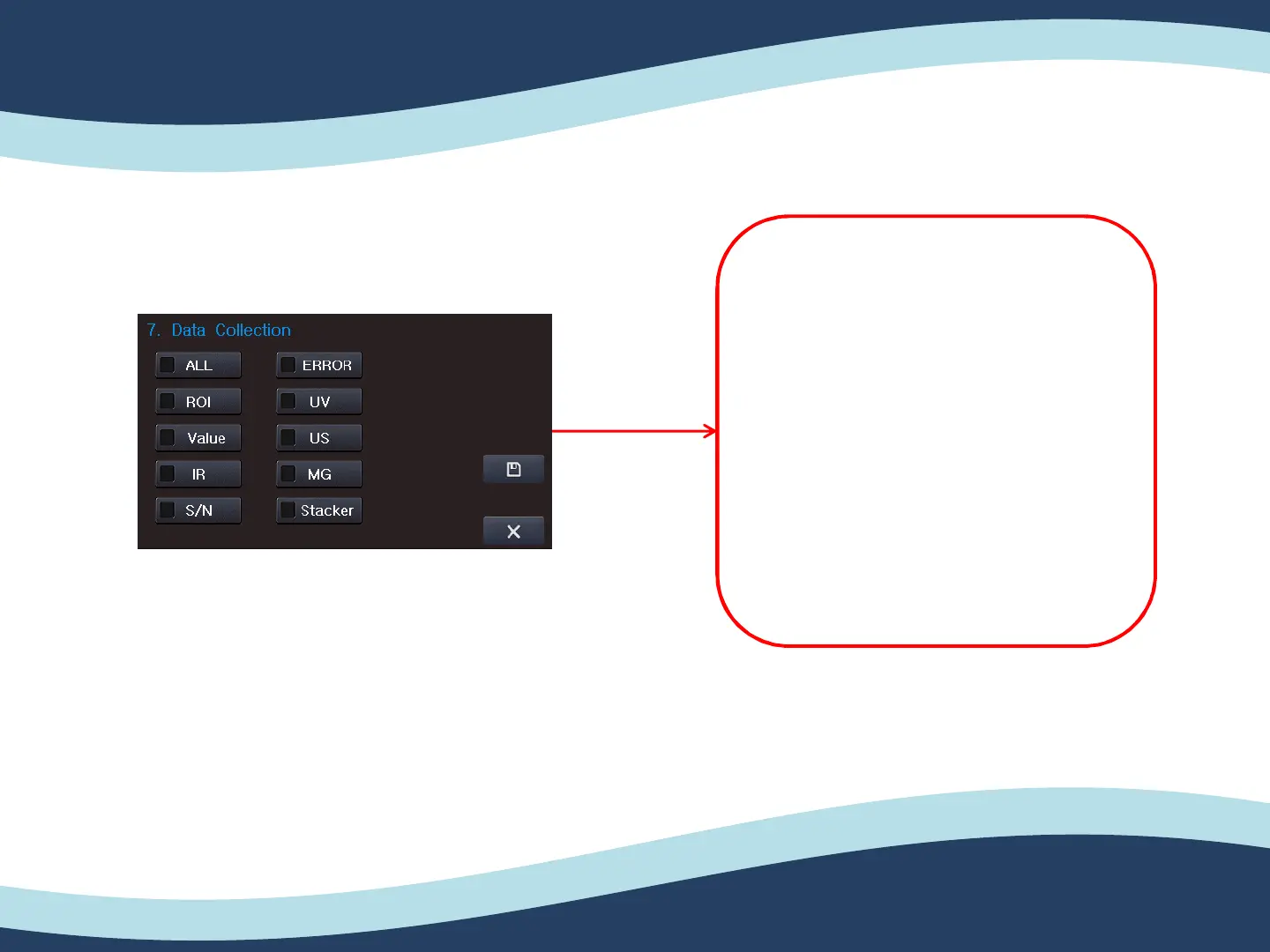
5-7. Data collection.
5. ENG Setting (Engineer setting)
62
1. Put in SD card to the CL-2. SD
card slot is on the back side of
unit.
2. After putting in SD card to the
CL-2, please enter the “Data
Collection”.
3. Please enable “ALL” or “Error”
then save by press “O” button
as below picture.


 To Next Page