CL-2 Service Manual
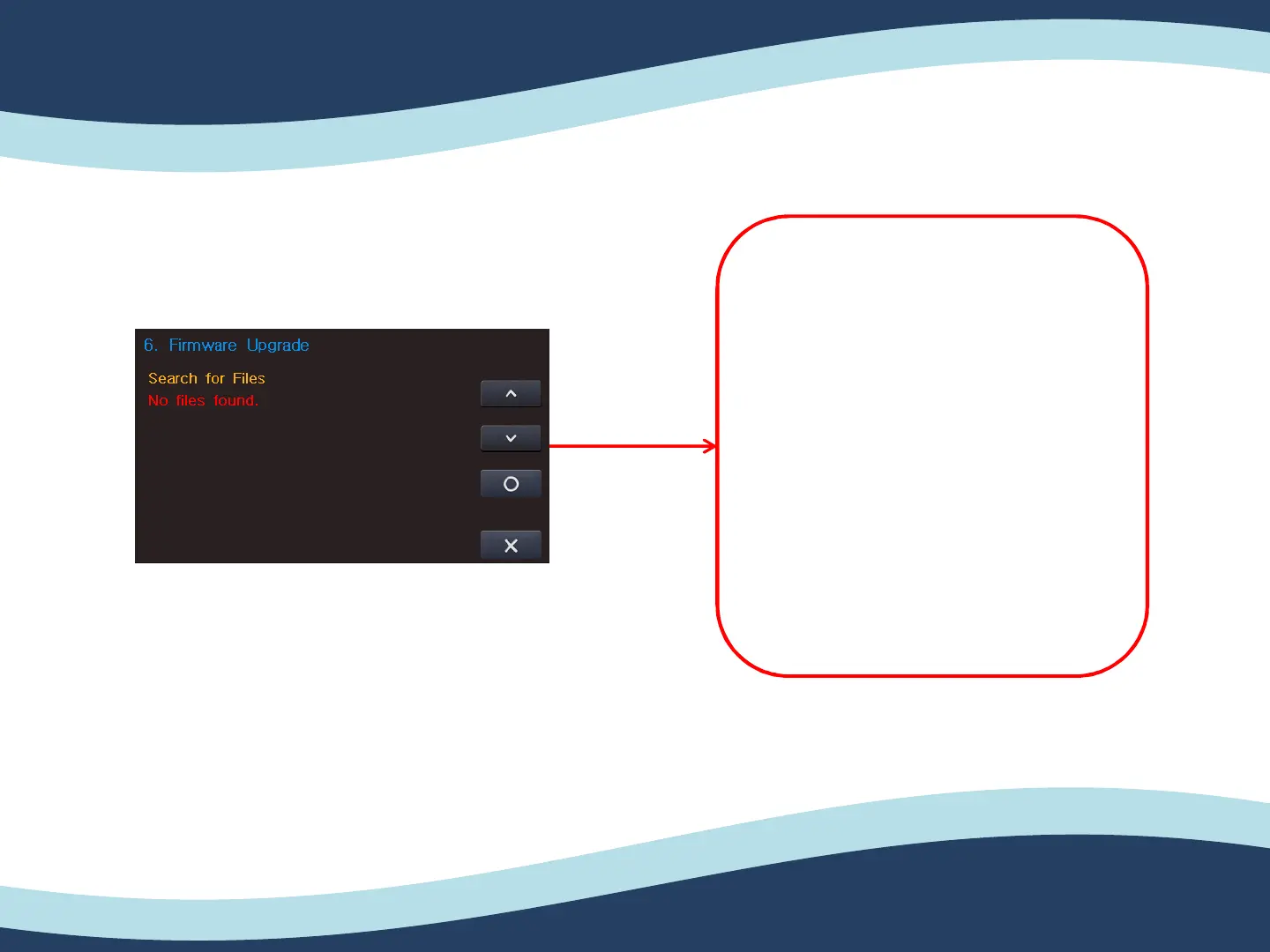
5-6. Firmware Upgrade.
5. ENG Setting (Engineer setting)
61
5. After turning on the CL-2,
press “Function” button 3~4
seconds.
6. Please put “1234” for engineer
setting password.
7. Please get into the Firmware
upgrade.
8. Then, please check the SW is
recognized and press “O” to
upgrade.


 To Next Page