4. Global Signal Selection
You can set your watch to receive Germany, Japan, USA (PST, MST, CST, EST) or UK
time signals. When you select a new country, the hands will move quickly during the
adjustment and then return to normal.
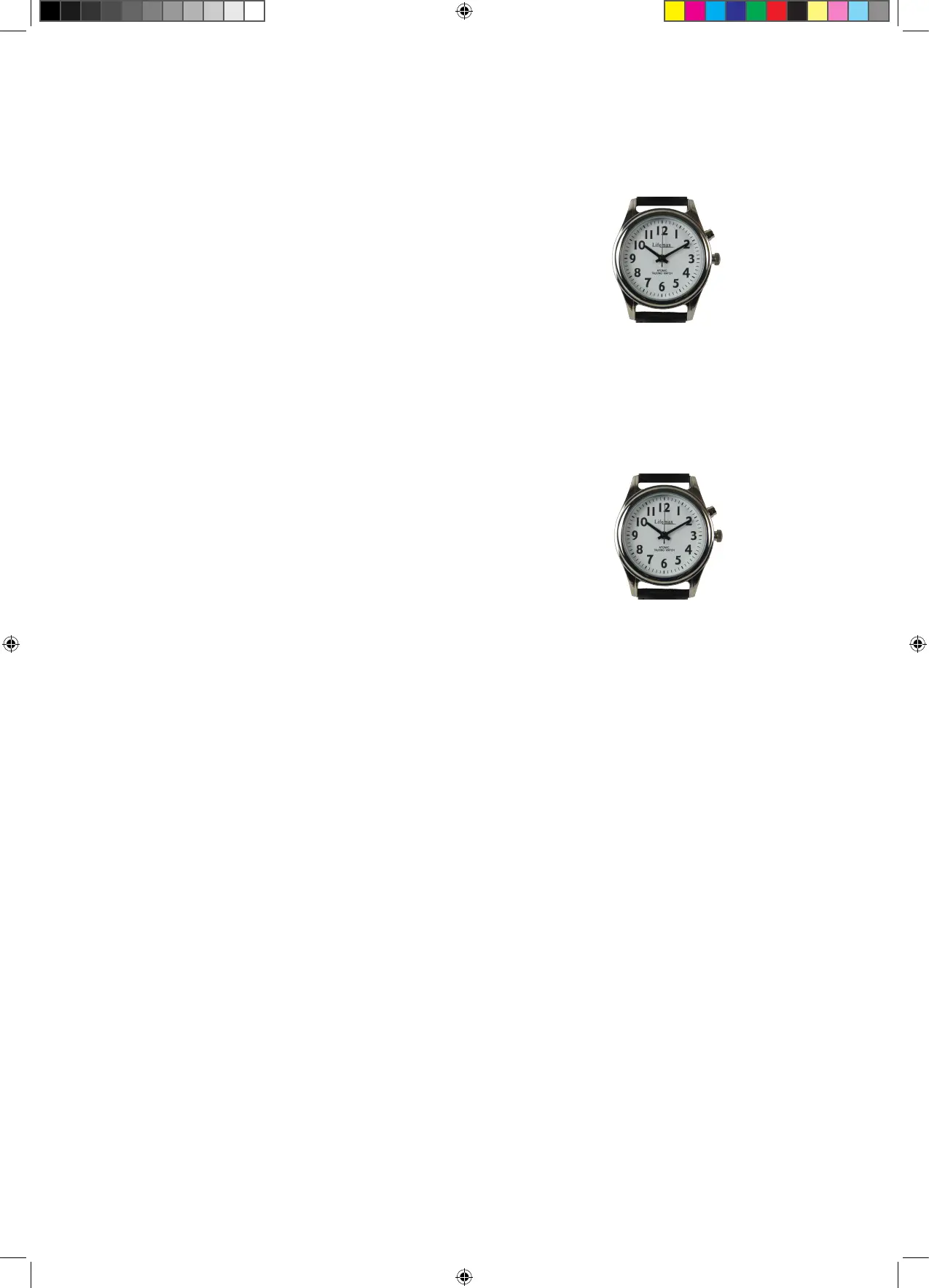
a. Enter the menu mode (see Watch Menu Mode)
b. Choose the option GLOBAL SIGNAL SELECTION
and confirm with S1
c. Chose the required time zone by repeatedly
pressing the S1 button
d. Press S2 to confirm selection.
5. Set Time (Manual Time Setting)
Use this function in regions where an atomic signal is unavailable, such as when
travelling. Your watch will need to be reset when returning to a region with a signal.
a. Enter the menu mode (see Watch Menu Mode)
b. Choose the option SET TIME and confirm with S1
c. Press S1 to select hour and confirm with S2, listen
carefully for AM or PM
d. Press S1 to select minute and confirm with S2
e. Press S2 to confirm time
The hands will spin rapidly to adjust to the selected time and then resume as normal.
Please be patient while the hands adjust. It is not possible to manually set the date.
Set hour or
minute
Confirm
Adjusting Watch Hands
If the voice on your watch is speaking the correct time but the hands on your watch
do not match, adjust the hands using the crown. The crown is at three o’clock on the
watch. Adjust the hands by pulling the crown away from the body of the watch and
then turning. Ensure you have depressed the crown back into the watch once the
adjustment has been made.
Resetting your watch after replacing the battery
If you have replaced the battery it is necessary to reset your watch. Follow the
instructions below to allow the watch to function correctly.
Once the battery has been replaced the second hand will move at twice the normal
speed.
a. Pull the crown out to stop the hands moving.
b. Push the crown back in and press the S1 button three times. The second hand will
begin to move at normal speed and the voice function will activate.
c. When the second hand reaches 12, pull the crown out to stop the hands moving
and adjust the hands with the crown so they are all at 12.
d. Push and hold S1 for 3 seconds and then push the crown in. The second hand will
then spin and catch up with the spoken time
e. Press and hold S1 again for 3 seconds, the second hand will spin and then stop. The
watch is now seeking the atomic signal. Place in a window for up to half an hour
whilst the watch sets itself.
Select time
zone
Confirm
Page 3
407_Range_IM_240720V2.indd 3407_Range_IM_240720V2.indd 3 24/07/2020 11:5624/07/2020 11:56


 To Next Page
 Loading...