Getting Started
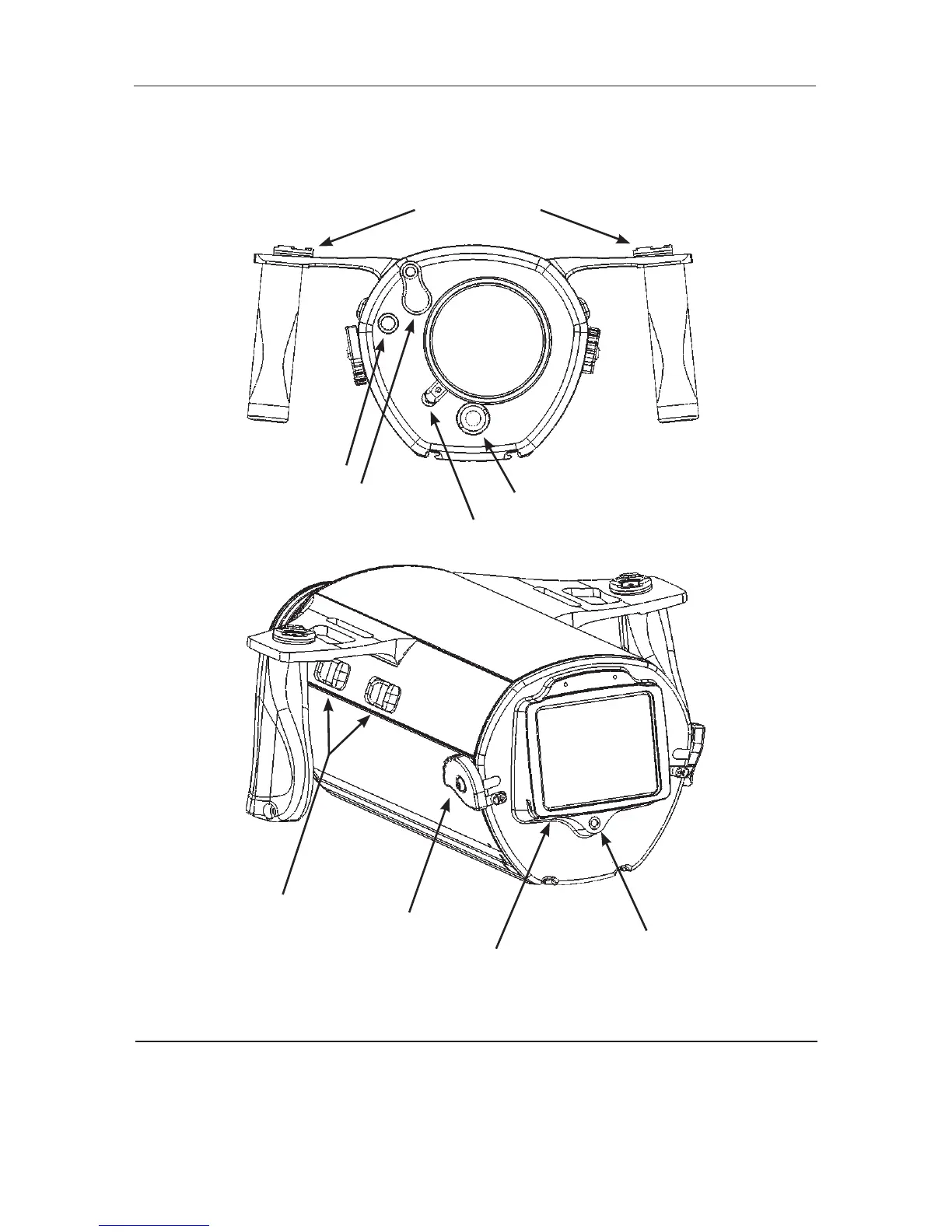
Illustrated below are the locations of Stingray’s features, ports, and functions.
Please take time to familiarize yourself with the housing.
Camera Preparation
1. Install the appropriate fully charged Sony camcorder battery.
2. Install a Sony MiniDV tape or DVD into your camcorder (if appropriate).
3. Install a Memory Stick in your camcorder if desired.
Microphone
Lens Locking Latch
Power On Button
Flip-Filter Lever
Light Arm Mounts
Control Switches
Locking Rotary Latches
Monitor Back
Moisture Alarm
5
(Fig. 1)
(Fig. 2)



 To Next Page