EasyManua.ls Logo

Lightning Audio LA-2300BT - User Manual

Default Icon
13 pages
Print Icon
To Next Page IconTo Next Page
Loading...
Owners
Manual
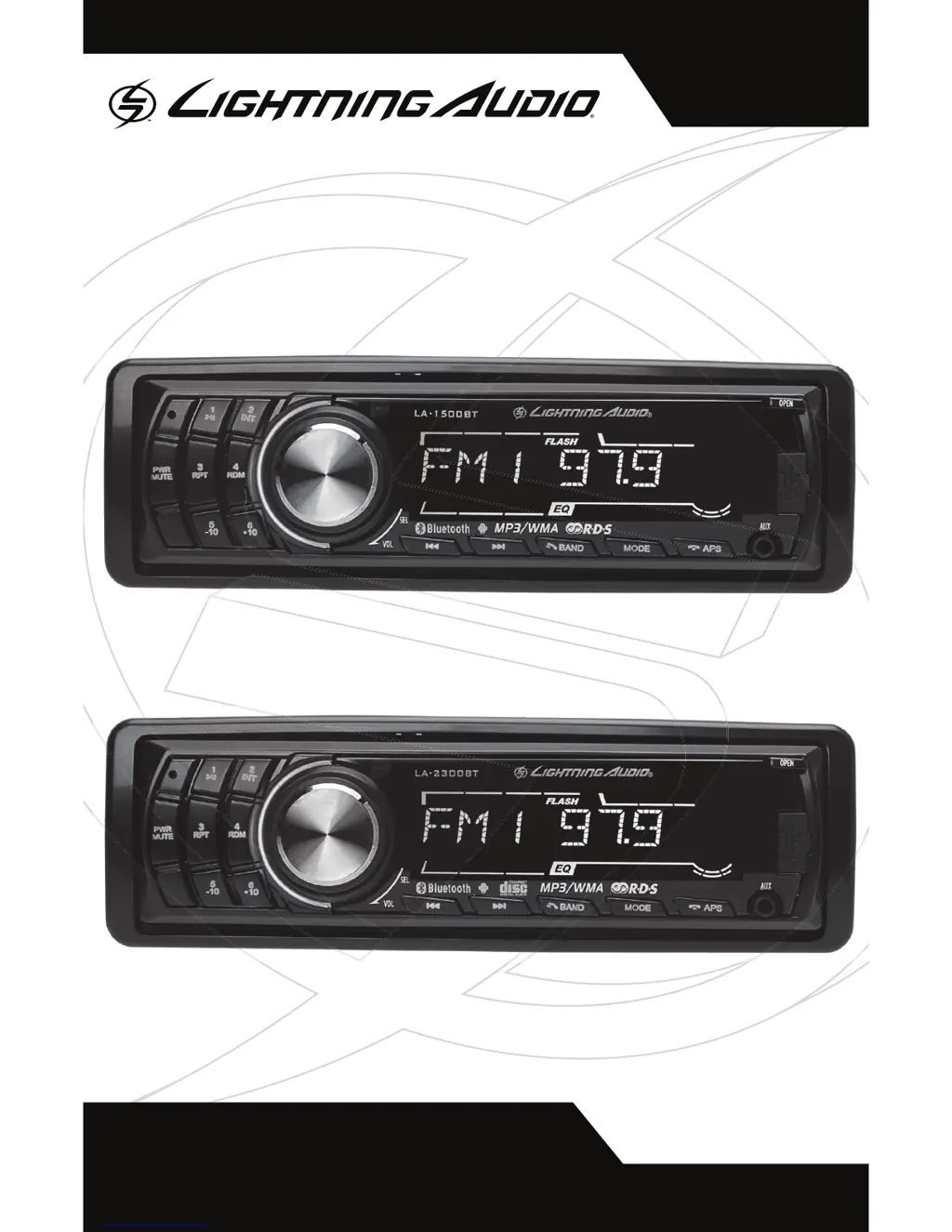
SINGLE DIN RECEIVERS
SOLO RECEPTOR DEL ESTRUENDO
LA-2300BT
LA-1500BT

Questions and Answers

  • J
    Jenna MitchellAug 2, 2025
    What to do if my Lightning Audio LA-2300BT Car Receiver does not turn on?
    • M
      michellecarrAug 2, 2025
      If your Lightning Audio Car Receiver isn't turning on, here's what you can check: * **Blown fuse:** Inspect the unit's fuse and replace it if necessary with one of the correct rating. * **Vehicle's ignition:** If wired as per the instructions, the unit won't function when the ignition is off. * **Voltage Issues:** Ensure the voltage applied to the Red and Yellow wires is between 10.8 and 16 volts. Check the battery, connections, and fuses, and repair or replace them as needed. If the voltage exceeds +16 volts, get your electrical system checked by a certified car service center. * **Grounding:** Verify the unit is properly grounded and repair any wiring issues.

Summary

Introduction and Safety

Practice Safe Sound

Guidelines for preventing hearing damage from high sound pressure levels in vehicles.

FCC Compliance Statement

Details on equipment testing and compliance with FCC rules for digital devices.

Specifications

Design Features

Front Panel Layout

Identifies controls and inputs on the front of the LA-1500BT and LA-2300BT units.

Rear Panel Connections

Illustrates RCA outputs, antenna input, and connector sockets on the rear of the units.

Installation Guide

Installation Considerations

Provides advice on tools, safety precautions, and general installation best practices.

Mounting Locations

Discusses optimal and acceptable placement options for the source unit in a vehicle.

Included Wiring Harnesses

Details the pinouts and connections for the power and speaker wiring harnesses.

Operation and Controls

Basic Operations and Settings

Covers powering on/off, volume, mute, sound modes, and menu adjustments.

Unit Reset and Front Panel

Instructions for resetting the unit and removing the front control panel.

Radio Functions

Details on band selection, station tuning, presets, and RDS features like AF and TA.

Media Playback (USB;SD;CD)

Guides for inserting media, track selection, playback modes, and file search.

Bluetooth Operation

Instructions for pairing, connecting, and using Bluetooth for calls and audio streaming.

Android App Control

Information on using the 'RadioView' app for remote control via an Android device.

Troubleshooting

Basic Unit Issues

Diagnoses and remedies for power, reset, and grounding problems.

Radio Reception Issues

Troubleshooting for tuning stations and weak signal reception.

USB Device Problems

Solutions for USB insertion, recognition, file playback, and sound issues.

CD Player Issues (LA-2300 BT)

Addresses CD skipping, noise, and insertion problems specific to the LA-2300BT model.

Limited Warranty Statement

Warranty Coverage and Limitations

Details what is covered, who is covered, and what is excluded from the warranty.

Obtaining Service

Instructions on how to contact customer service and return defective products.

Lightning Audio LA-2300BT Specifications

General IconGeneral
BrandLightning Audio
ModelLA-2300BT
CategoryCar Receiver
LanguageEnglish

Related product manuals