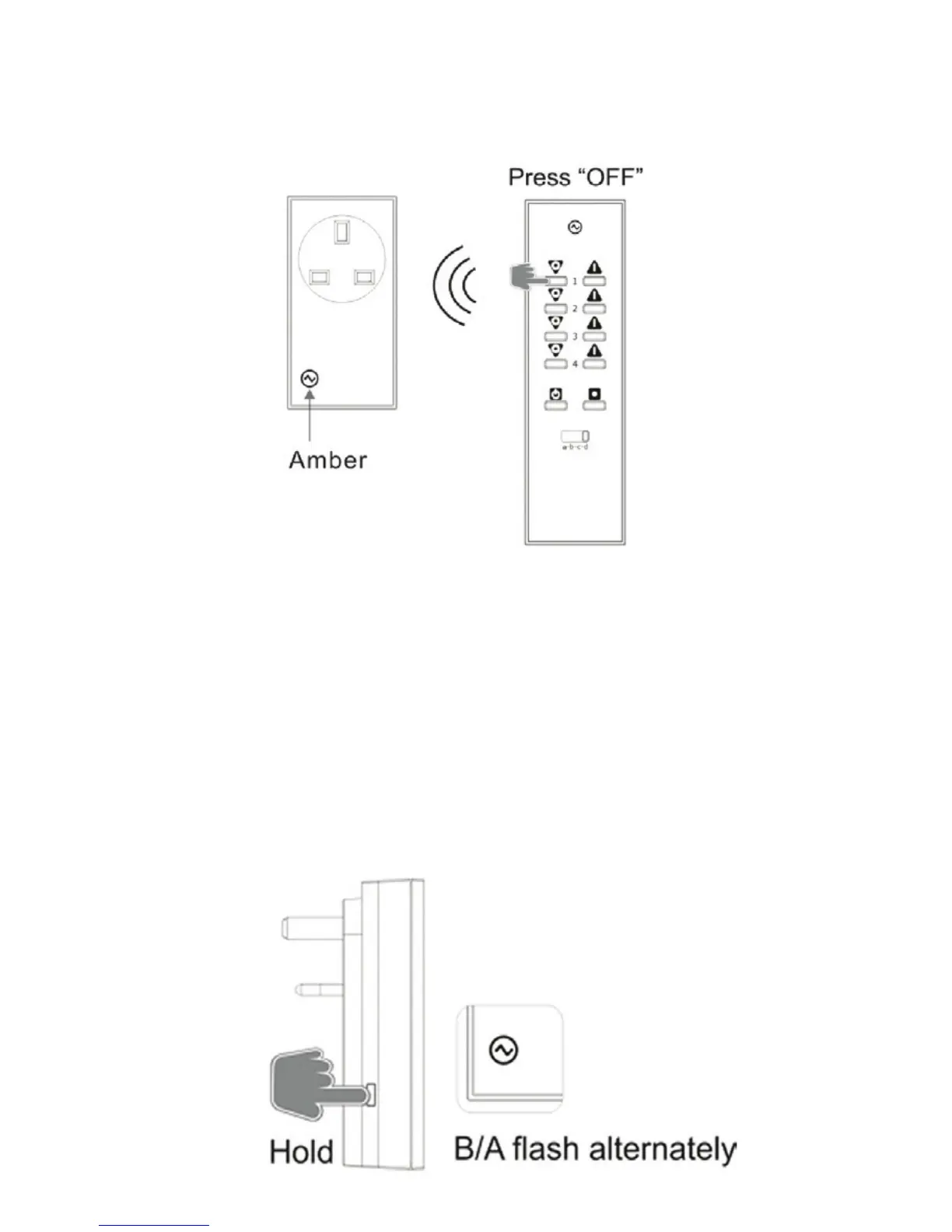
3. Using a LightwaveRF Connect Remote, press
corresponding ‘OFF’ button; the LED on the adaptor
will ash amber to conrm that the remote is now
unpaired.
Clearing Memory (will remove all paired remotes):
1. Ensure the adaptor is plugged in and ready with the
wall socket turned on.
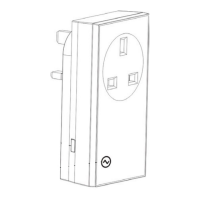
2. On the adaptor, press and hold down the ‘MANUAL’
button; this will enter Learning Mode illustrated by the
LED ashing blue and amber alternately.


 To Next Page