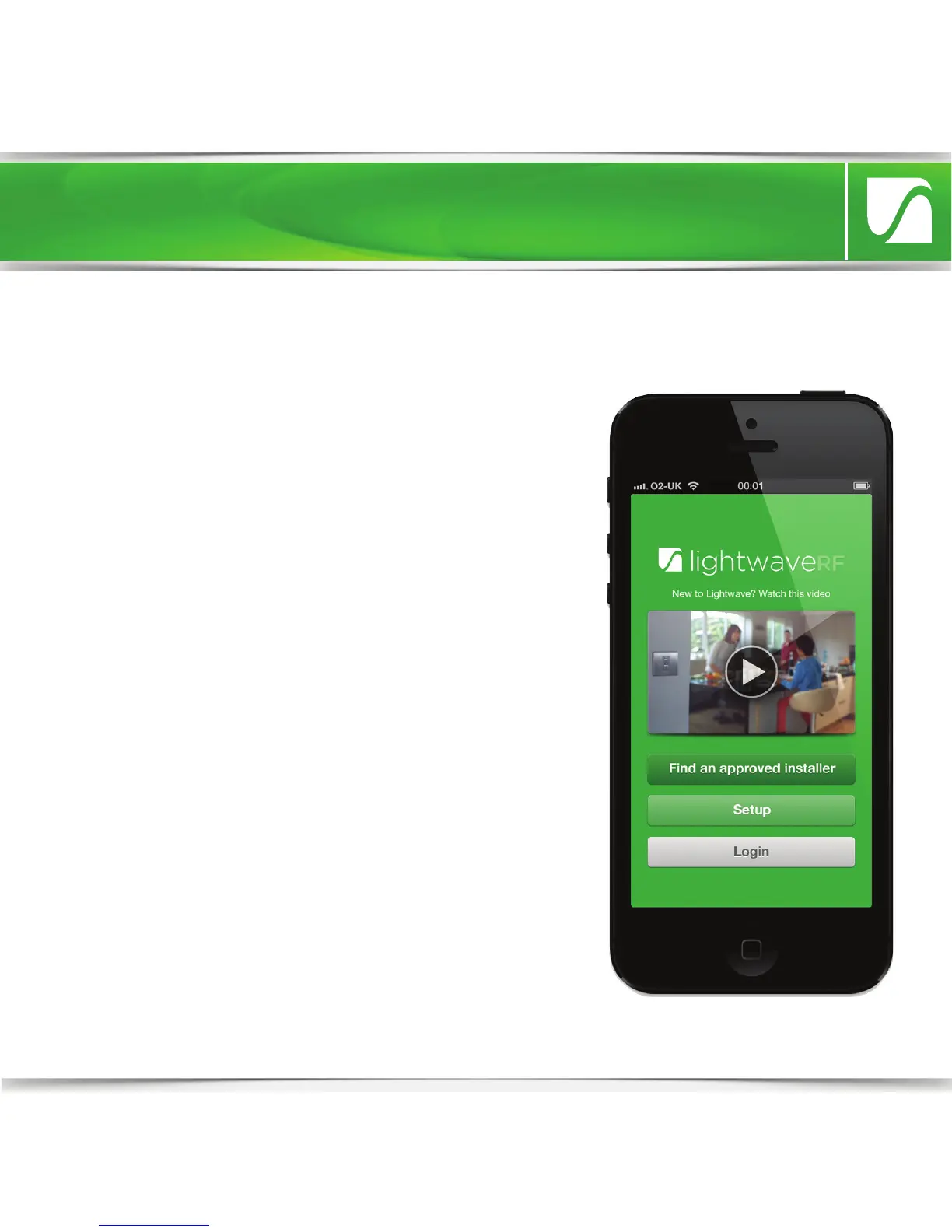
Linking to the LightwaveRF Apps
If you intend to use the LightwaveRF App
or Web App to control the Electric Switch,
you will need the ‘Lightwave Link’. This
allows LightwaveRF heating devices to be
linked to and controlled by a smartphone,
tablet or PC. The Switch can be linked to
the App using the following method.
1. Follow the in-App setup instructions to
setup the Lightwave Link and App. Access
the ‘Heating’ Page and follow the instruc-
tions regarding how to add a device.
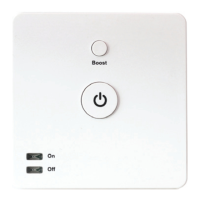
2. Press and release the ‘Link’ button on
the Switch (the on and o LEDs will flash
alternately).
3. Send the linking command from the
App (the in-App instructions will explain
how to do this). The ‘on’ LED should flash
to indicate a successful link.
Heating System Setup
Heating System Setup


 To Next Page