2 English
Connect the Camera to Your Computer
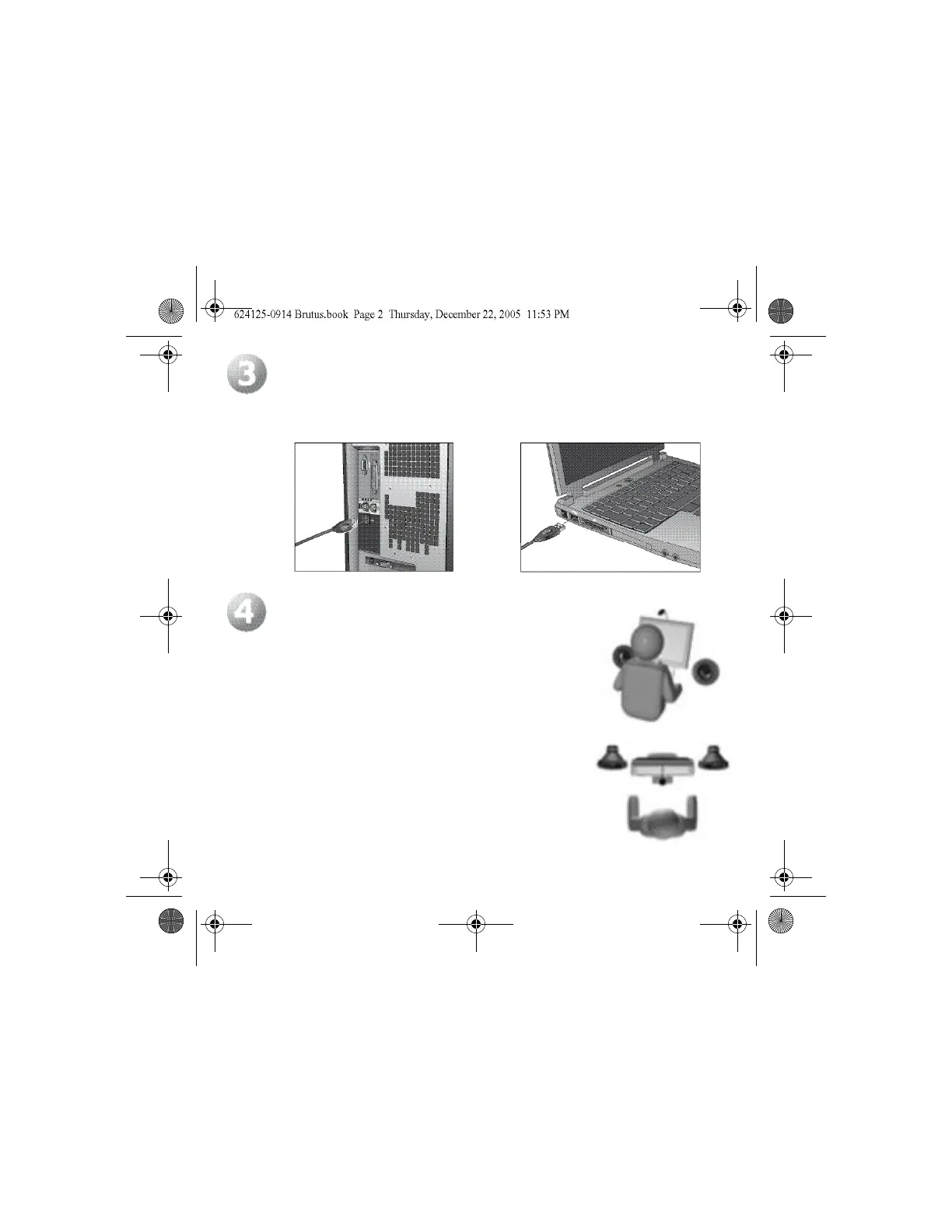
When prompted by the software’s on-screen messages, connect the camera to a USB port
on your computer.
Set Up Microphone and Speakers
1. Point the microphone toward you, and place it no more
than 3 feet away.
2. If you are using speakers, position them at least 12 inches
(30 cm) away from the microphone to reduce feedback,
and angle the speakers away from the microphone.
3. Do not place objects between you and the microphone.
4. Your camera comes with Logitech
®
RightSound
™
echo
cancellation technology, which enables a crisp and clean
audio experience by eliminating annoying echoes
when you are speaking into the built-in microphone.
Following the steps listed here will also ensure an enjoyable
audio experience for you.



 To Next Page