English 3
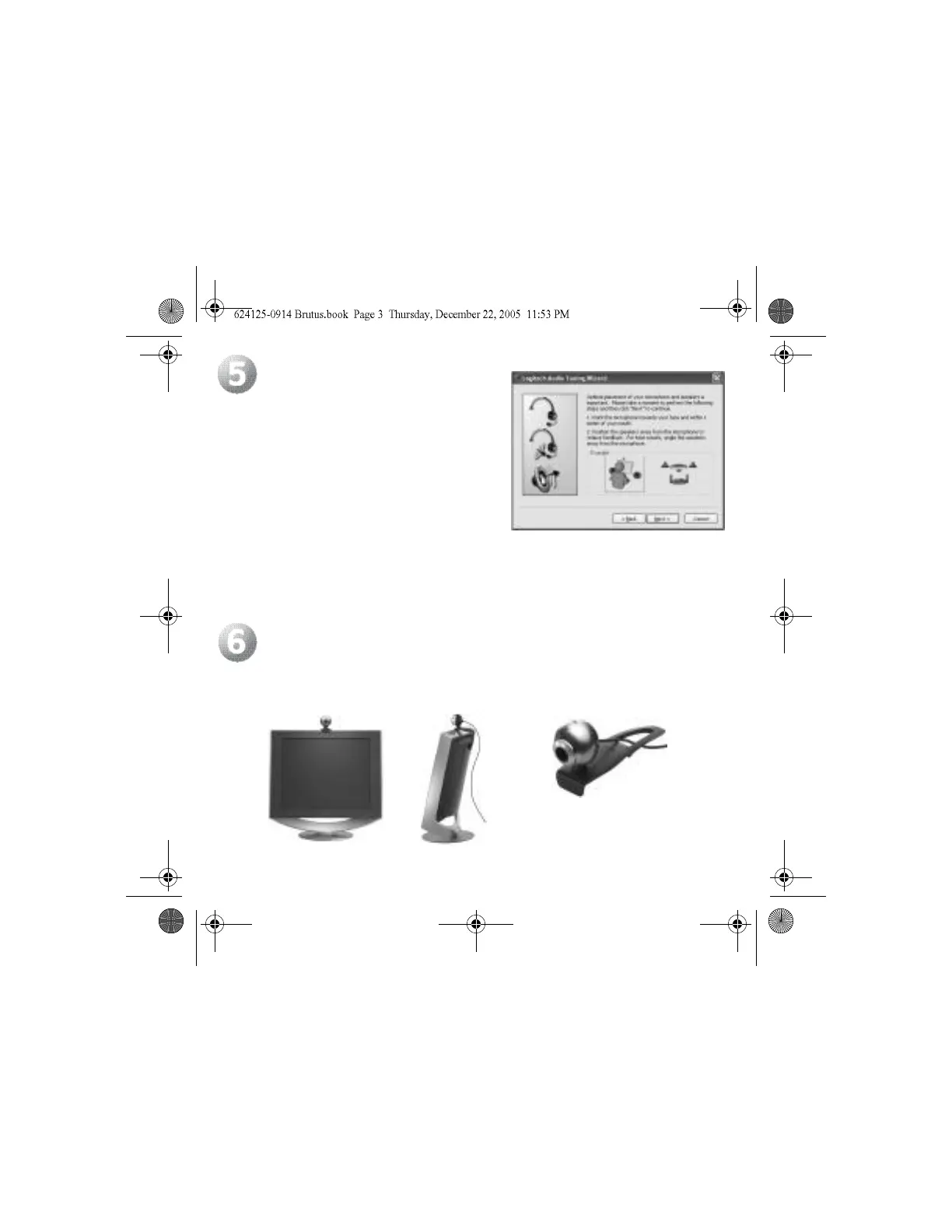
The Audio Tuning Wizard
The first time you use the camera, you will be guided
through the Microphone/Speaker Setup Utility and
Audio Tuning Wizard. Subsequently if any audio
issue arises, access the Audio Tuning Wizard
from the Camera Settings dialogue box in the Quick
Assistant or Logitech Control Panel.
The Audio Tuning wizard allows you to:
• Select the Audio Input Device (Microphone)
and the Audio Output Device (Speakers).
• Enable (AEC) Acoustic Echo Cancellation
(Recommended).
• Set speaker output volume and microphone input volume.
• Test audio settings.
Position Camera
Place the camera in the middle of your computer monitor for optimal eye contact.
The camera can pivot vertically or horizontally, allowing you to find the best position.
Fold in or flatten out clip to place
camera on any flat surface.



 To Next Page