47
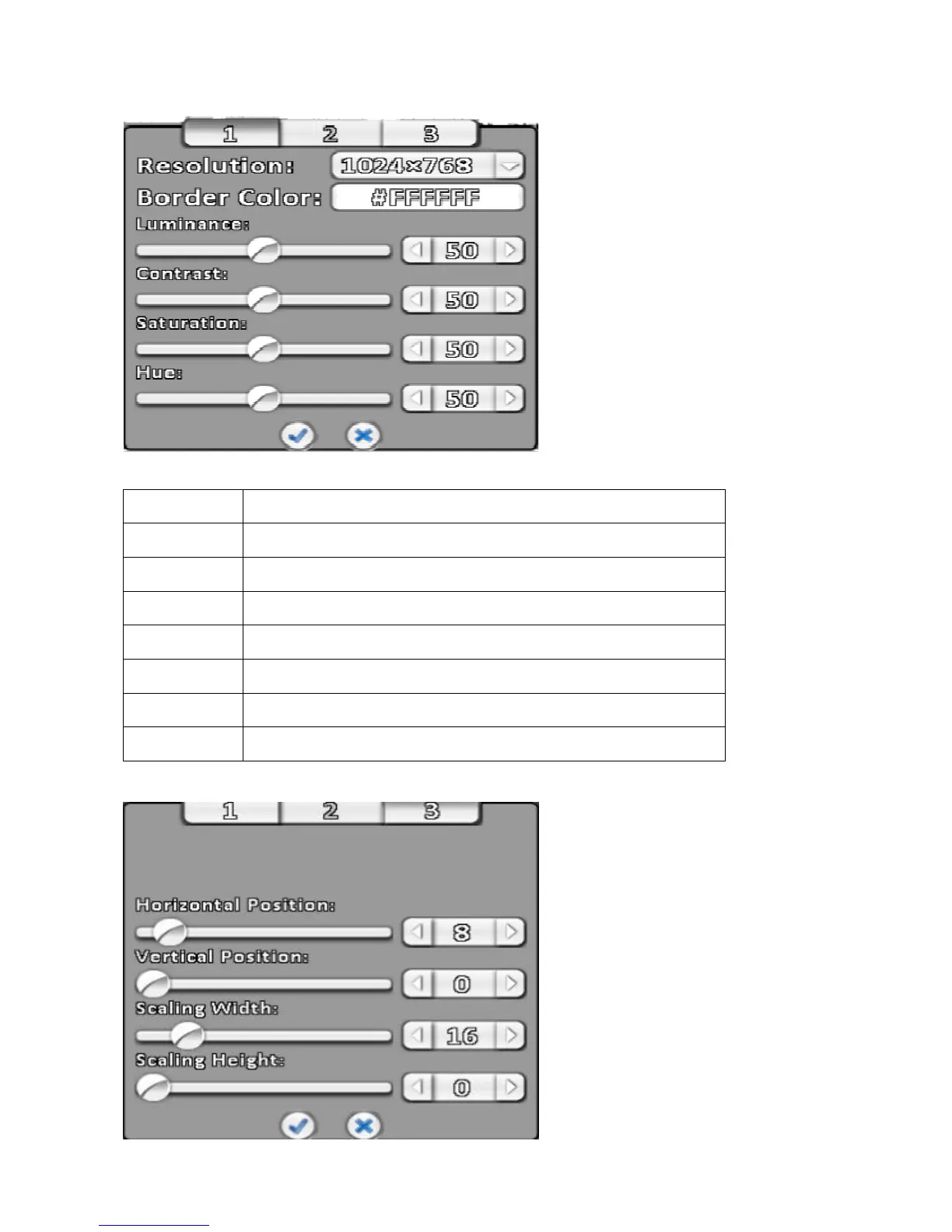
3-7-4-1 Resolution Setup
Note: Please confirm whether the screen supports resolution.
Item Description
1, 3 Setting monitor resolution/BNC output.
Resolution Select the screen resolution.
Border Color Set the color of border.
Luminance Setting brightness, from 0 to 100.
Contract Setting screen display color contrast, from 0 to 100.
Saturation Setting screen display color saturation from 0 to 100.
Hue Tone color tone setting screen displayed from 0 to 100.
3-7-4-2 Composite video output adjust



 To Next Page