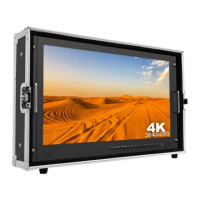
When power on, press“MENU”on the device, The menu of
function setting will display on the screen.
Press ◄ / ► button to choose menu;
Then press“MENU”button to confirm;
Press“EXIT”button to return / exit menu.
Picture
Brightness 0~100
Contrast 0~100
Saturation 0~100
Hue 0~100
Sharpness 0~4
Temperature 9300,7500,6500,5800,User
Backlight 0~100
Function
Center Marker ON, OFF
Safety Marker OFF,95%,93%,90%,88%,85%,80%
Aspect Full Screen,16:9,17:9, 4:3,1.85:1,2.35:1
Underscan ON, OFF
Check Filed OFF, Red, Green, Blue
Freeze Input ON, OFF
Peaking ON, OFF
Display Mode
1P,2P LR,2P TB,2P PIP,4P
Display Setting
Display Rotate 0°,90°,180°,270° A
single display.


 To Next Page