11
Operation Instructions cont’d
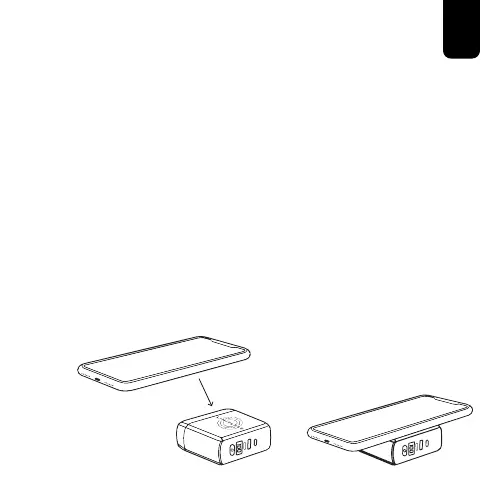
C. Wireless Charging Pad
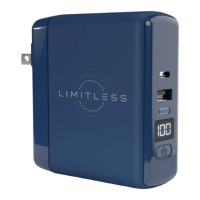
2. Press the Power Button to turn on the PowerPro Go™.
3. Place your compatible device on top of the Wireless
Charging Pad.
NOTE:
The LED Indicator Light will illuminate solid blue when a
successful connection is made and the device is charging.
If the LED Indicator Light is not blue or is flashing between
blue and green while trying to wirelessly charge, you should:
• Check the Wireless Charging Pad for any foreign objects.
• Reposition the phone on the Wireless Charging Pad until
a successful connection is made.


 To Next Page