6
Operation Instructions
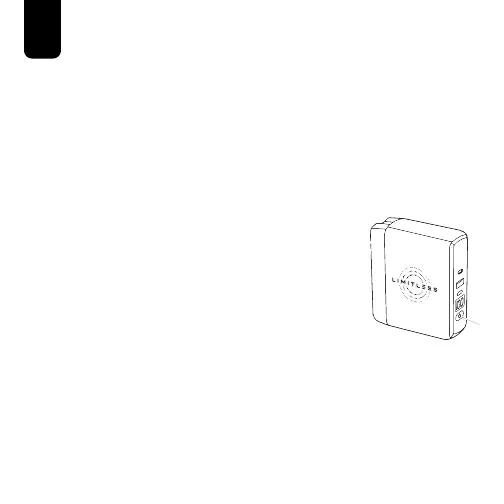
Turning the PowerPro Go™ On/O
1. Press the Power Button to turn on the PowerPro Go™.
NOTE: When a device is plugged into the Type-C or USB-A
Charging Ports the PowerPro Go™ will automatically turn on.
2. The PowerPro Go™ will automatically turn o after
approximately 20 seconds of being idle.
3. To manually turn o the PowerPro Go™,
double-click the Power Button.
Checking the Battery Level Indicator
1. Press the Power Button to turn on
the PowerPro Go™.
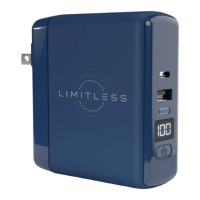
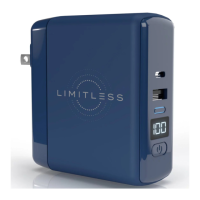
2. The Digital Battery Level Display will illuminate the current
percentage of battery remaining between.
100
= a full battery.
It is recommended to recharge the PowerPro Go™ once the
battery level reaches 25 or below for optimal performance.


 To Next Page