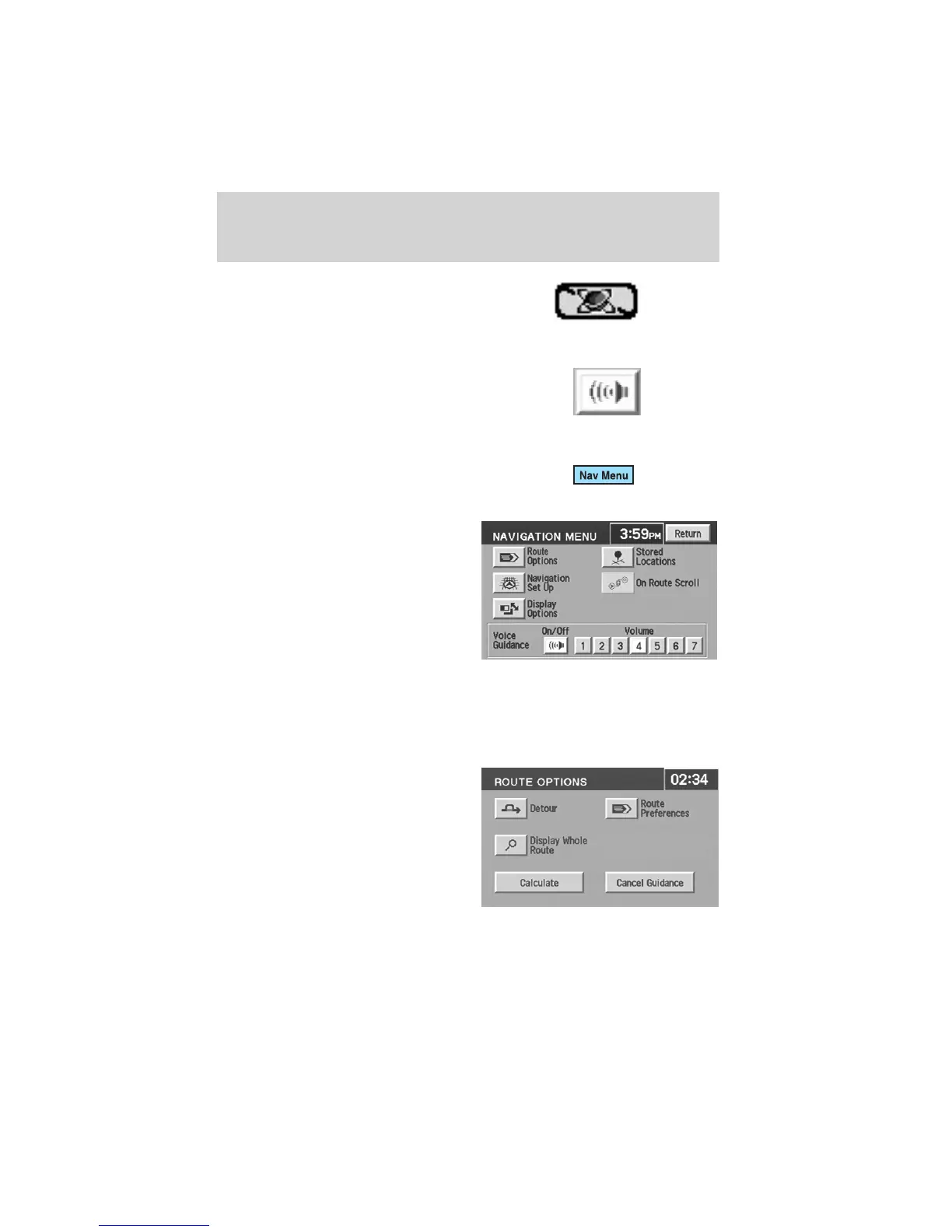
GPS symbol— Indicates that
insufficient GPS satellite signals are
being received for accurate map
positioning. The symbol is not
displayed under normal operation.
Speaker icon symbol— Press to
turn voice guidance on/off.
Navigation menu
To access the Navigation Menu,
press NAV MENU at the bottom of
the map screen.
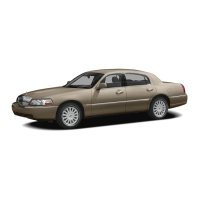
Once pressed, the Navigation Menu
will display showing the following
options:
• Route Options/Preferences
• Navigation Set Up
• Display Options
• Stored Locations
• On Route Scroll
• Voice Guidance/Volume
Depending upon whether or not a route is active will determine if route
options/route preferences is contained on the Navigation Menu.
Route options (destination entered)
Once in navigation mode and a
route is currently active, press
“Chng. route” to access the ROUTE
OPTIONS screen. Choose from the
following selections:
• Detour: Press to select a detour
around the current route. Refer
to Detour options later in this
chapter for further information.
• Route Preferences: When
creating a destination, select from: Minimize Time/Distance, Use Major
Roads, Use Toll Roads, Use Ferries.
Entertainment Systems
45












 To Next Page