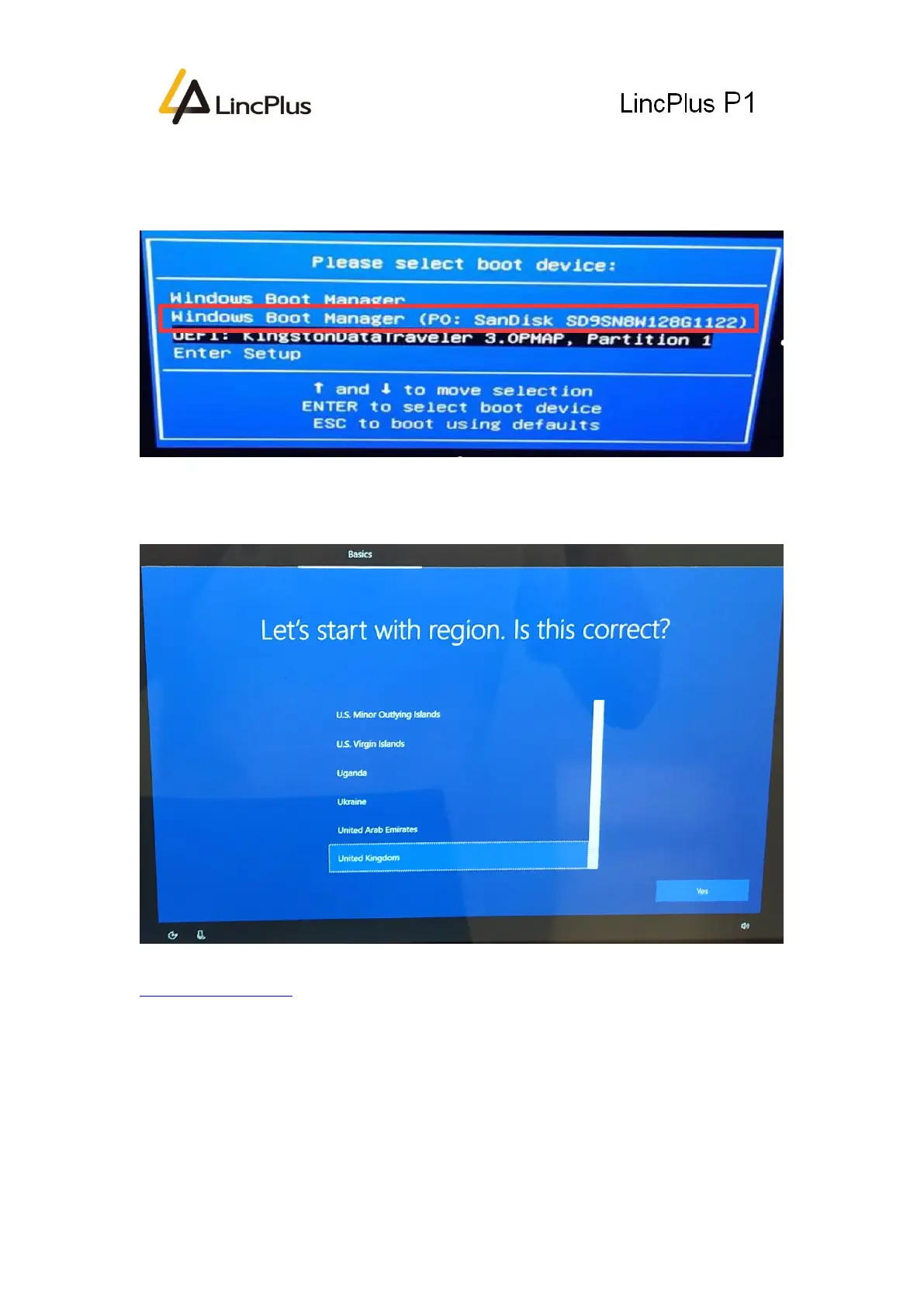
10. At the beginning of the laptop booting, press “FN+F7” until boot option appears
on the screen. Choose the new “Windows Boot Manager” of SSD to boot the laptop:
(My SSD is SanDisk, you may choose the SSD you bought)
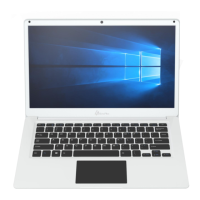
11. It will takes about 10 minutes for the first booting to get ready. After that it will
come to OOBE (Out-of-Box Experience) wizard:
If you have any question, please don’t hesitate to contact the supporting e-mail
Info@lincplus.com.cn
we are standing by to help you!
If you are satisfied with our service, please leave us a review. This will help us a lot.
You kindness will encourage us a lot! Thank you very much!


 To Previous Page