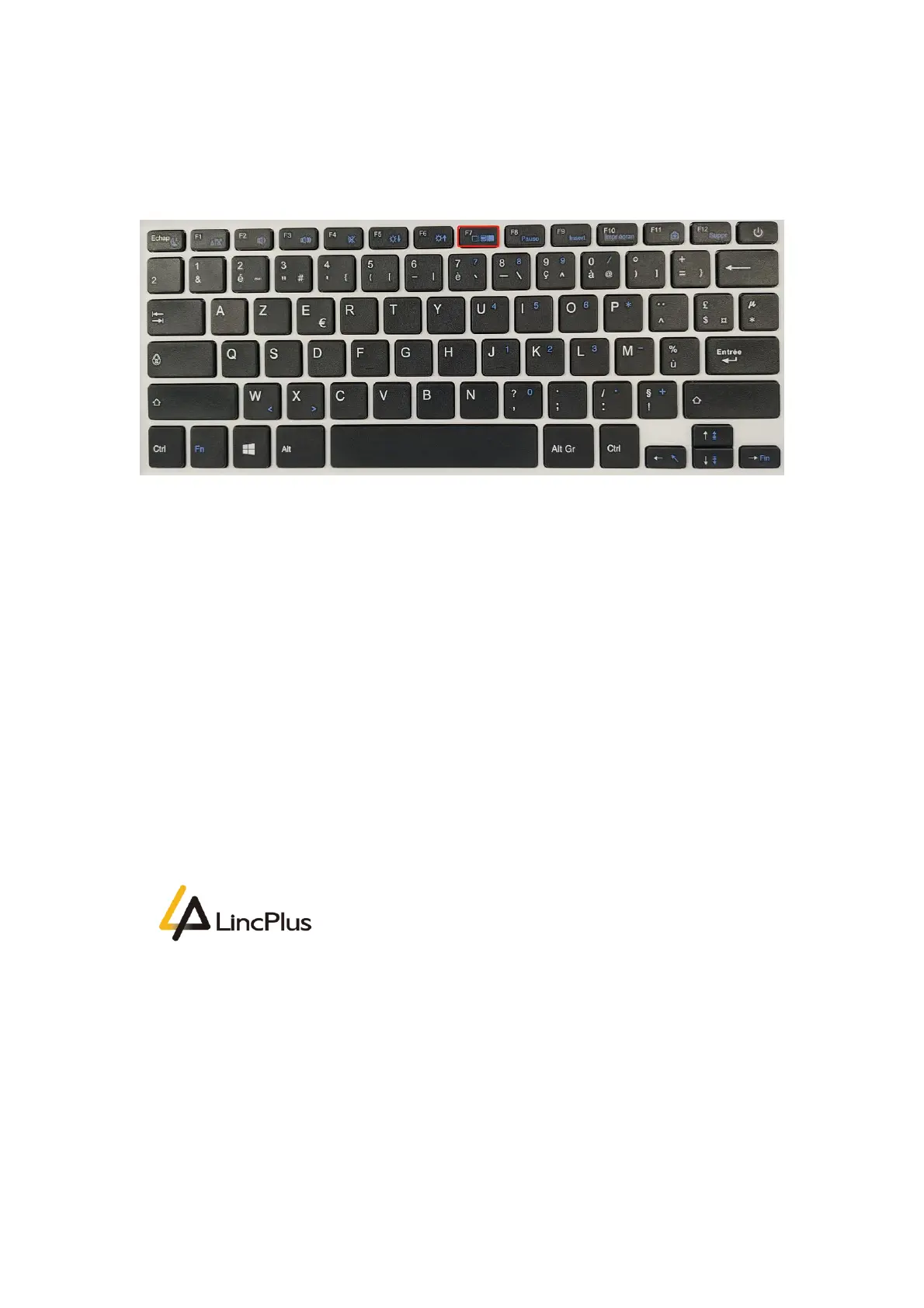
5. Insert the Linux USB flash boot drive into the USB port of laptop. Turn on the laptop
and press "F7" until boot option appears in the screen. (knock "F7" continuously)
LincPlus P3
6. Then you can see the picture appears in the screen. You should choose your USB
flash drive, and press "Enter":
(My USB flash drive is SanDisk, so that you can fix the OS out of from your USB flash
drive)


 To Next Page