User Manual English
Installation
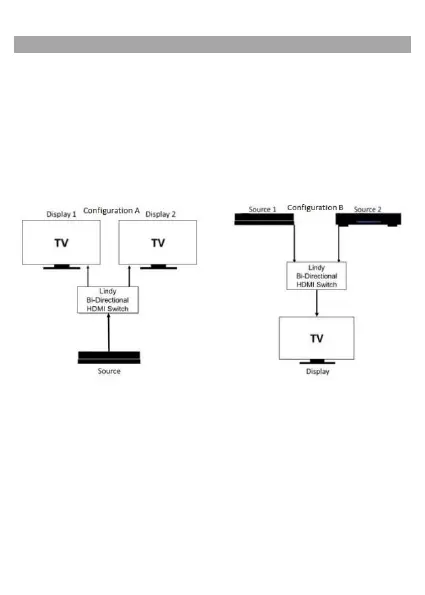
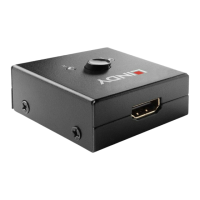
When using 1 source device and 2 displays, ensure all cables from source and display
devices are connected to the Lindy 18G HDMI Bi-Directional switch before powering on
any devices. First, power on your source device, then power on your displays. Use the
switch to select your desired channel.
When using 2 source devices and 1 display, simple repeat the steps above, taking care
to power on source devices before powering on your display device.
The following diagrams illustrate each configuration.
Configuration A shows one source device and two displays connected to the switch. The
switch then allows the user to easily alternate output between display 1 or display 2.
Configuration B shows two source devices and one display connected to the switch. The
switch then allows the user to alternate between which source device is used to output to
the display.


 To Next Page