User Manual English
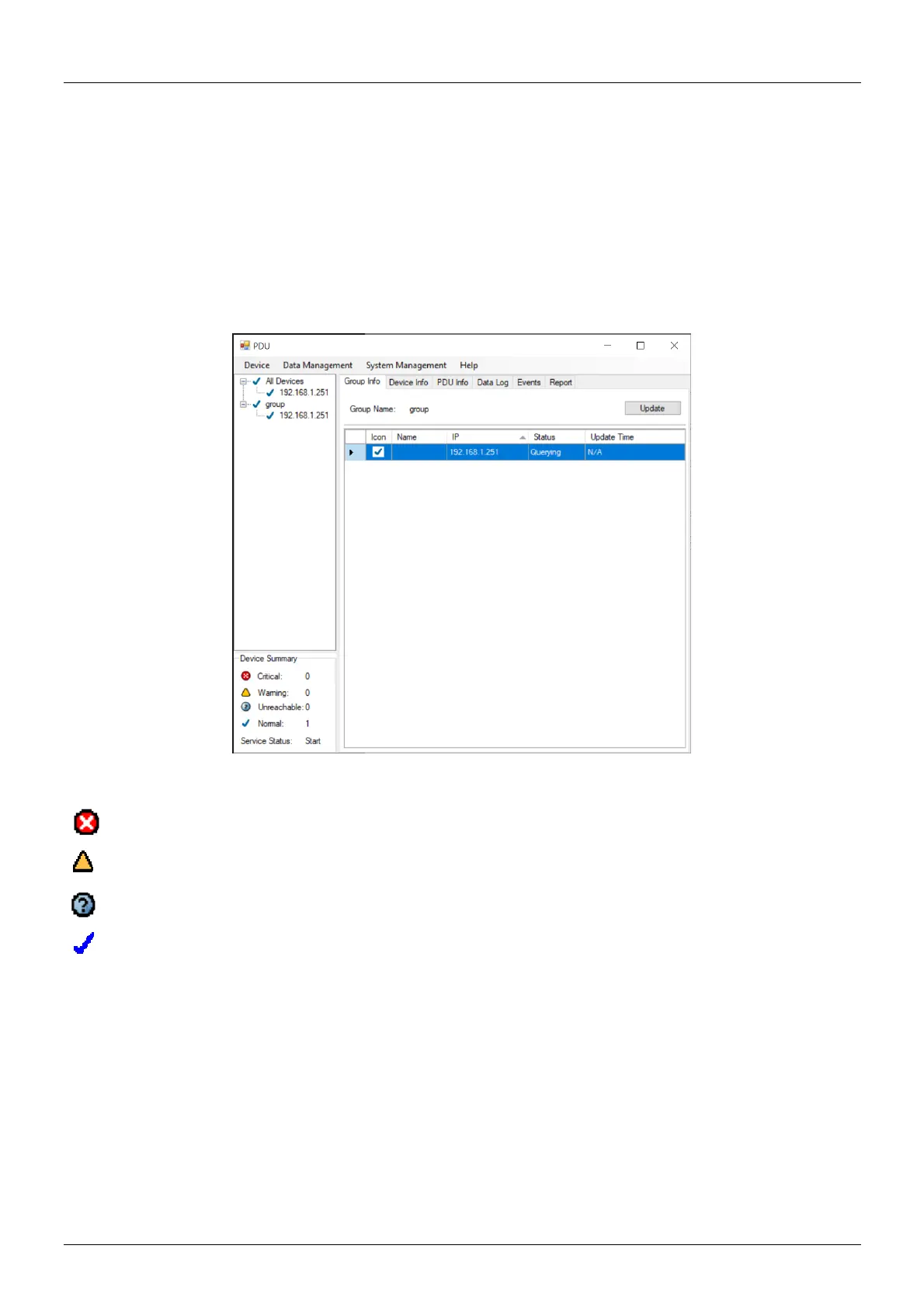
Group Information
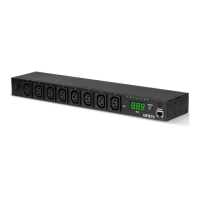
▪ Icon: Indicate the PDU status by different icons.
▪ Name: Name of the PDU.
▪ IP: IP address of the PDU.
▪ Status: Indicates the communication status with PDU utility.
o Normal: The PDU utility communicates with the PDU normally.
o Querying: The PDU utility is requesting data from the PDU.
o Communication Lost: The PDU utility cannot get data from the PDU.
o Warning: The power consumption of the PDU exceeds the threshold of warning.
o Overload: The power consumption of the PDU exceeds the threshold of overload.
▪ Update Time: Indicates when the PDU information has been updated the last time.
Device Summary
Critical: Indicates that output power of the PDU exceeds the setting of overload.
Warning: Indicates that output power of the PDU exceeds the setting of warning.
Unreachable: Indicates that the PDU utility cannot reach the PDU.
Normal: Indicates that the PDU is working normally.
Service Status: PDU utility status. When indicated “Stopped”, please go to System Management
→ Service Control to “Start” the service.


 To Next Page