User Manual English
Device Information
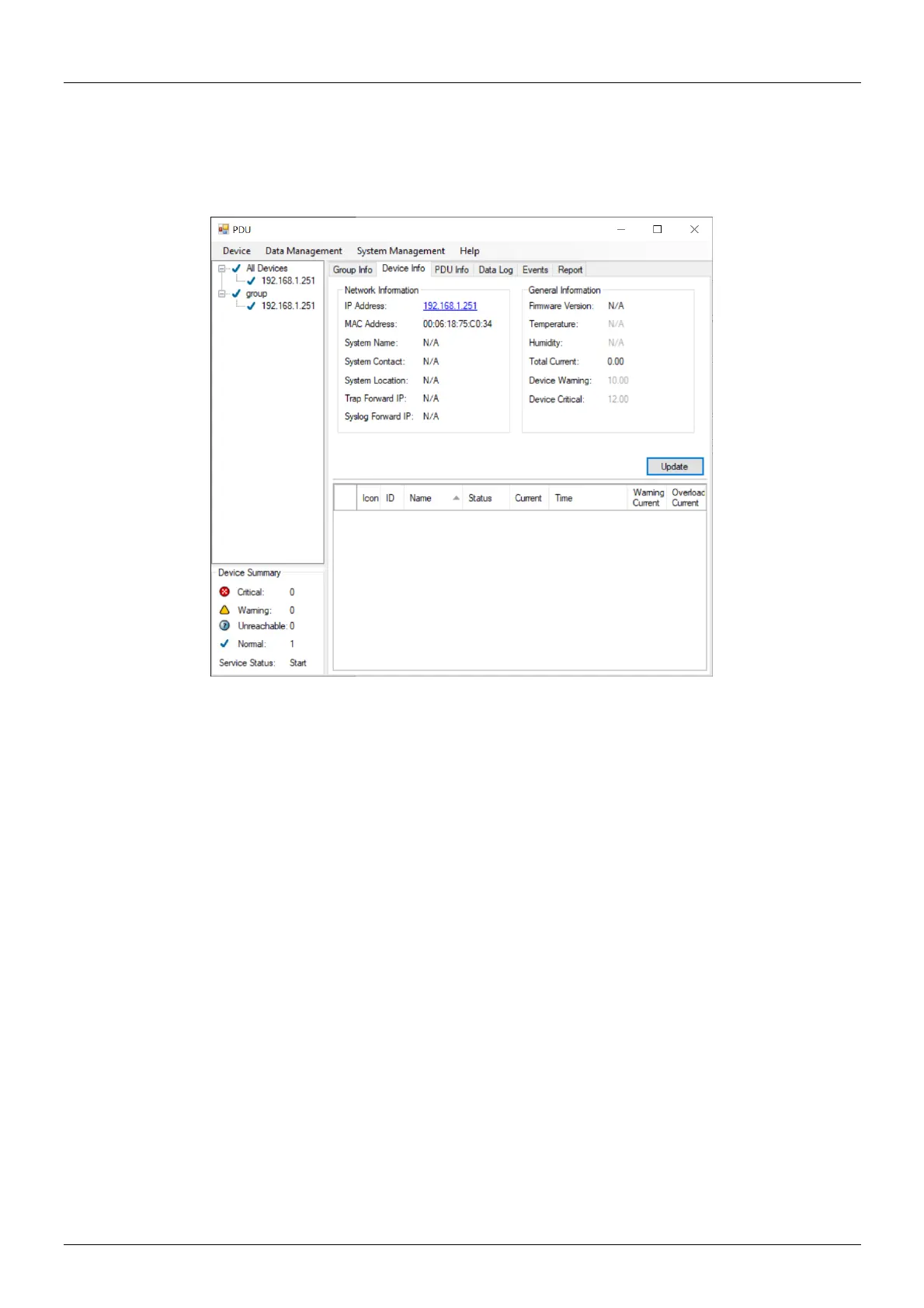
Network and General Information
Indicates the network and system information and the information from the total PDU device and
attached devices.
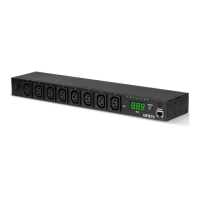
Indicates all relevant information for the connected PDU.
▪ Icon: Indicates the PDU status by different icons.
▪ ID: Identification of the PDU.
▪ Name: Name of the PDU.
▪ Status: Indicates the communication status with PDU utility:
o Normal: The PDU utility communicates with the PDU normally.
o Querying: The PDU utility is requesting data from the PDU.
o Communication Lost: The PDU utility cannot get data from the PDU.
o Warning: The power consumption of the PDU exceeds the threshold of warning.
o Overload: The power consumption of the PDU exceeds the threshold of overload.
▪ Current: The PDU power consumption.
▪ Time: The current time:
▪ Warning current: Display the setting of the PDU for warning threshold.
▪ Overload current: Display the setting of the PDU for overload threshold.


 To Next Page