User Manual English
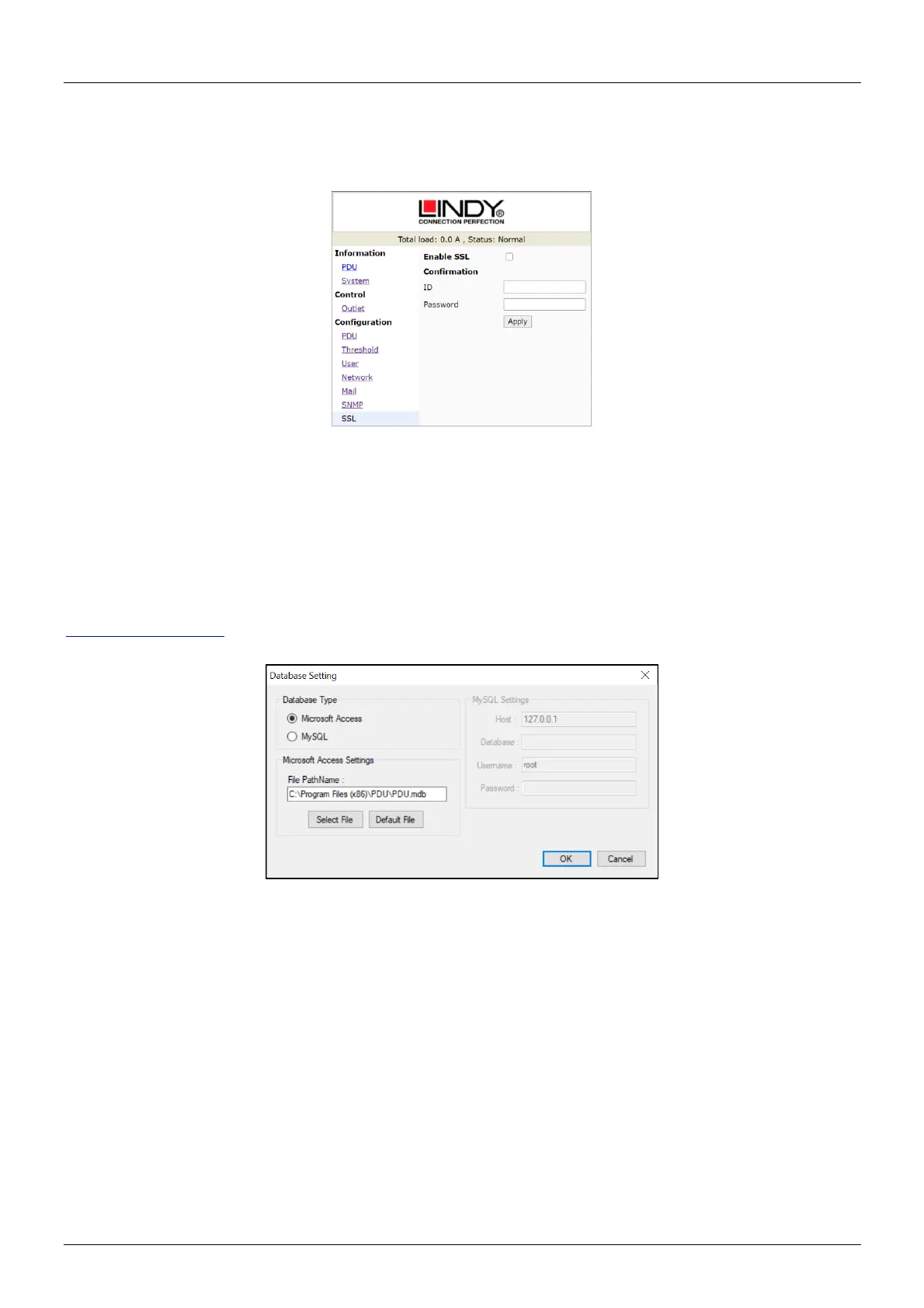
Configuration – SSL
This tab is to configure the setup for SSL. The default user name is “snmp” and the password is “1234”.
Please note: SSL is only supported up to Windows XP/Internet Explorer 6. Firefox and Google Chrome
are not supported.
Software
Please start the software always via Right Click → “Run as administrator”.
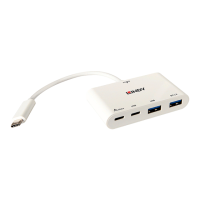
When using the software for the first time, the database type must be selected. The default database is
set to Microsoft Access. If you want to use MySQL database, you may download it from
http://www.mysql.org.
PDU Login
The default user name is “admin” and the default password is “1234”.



 To Next Page