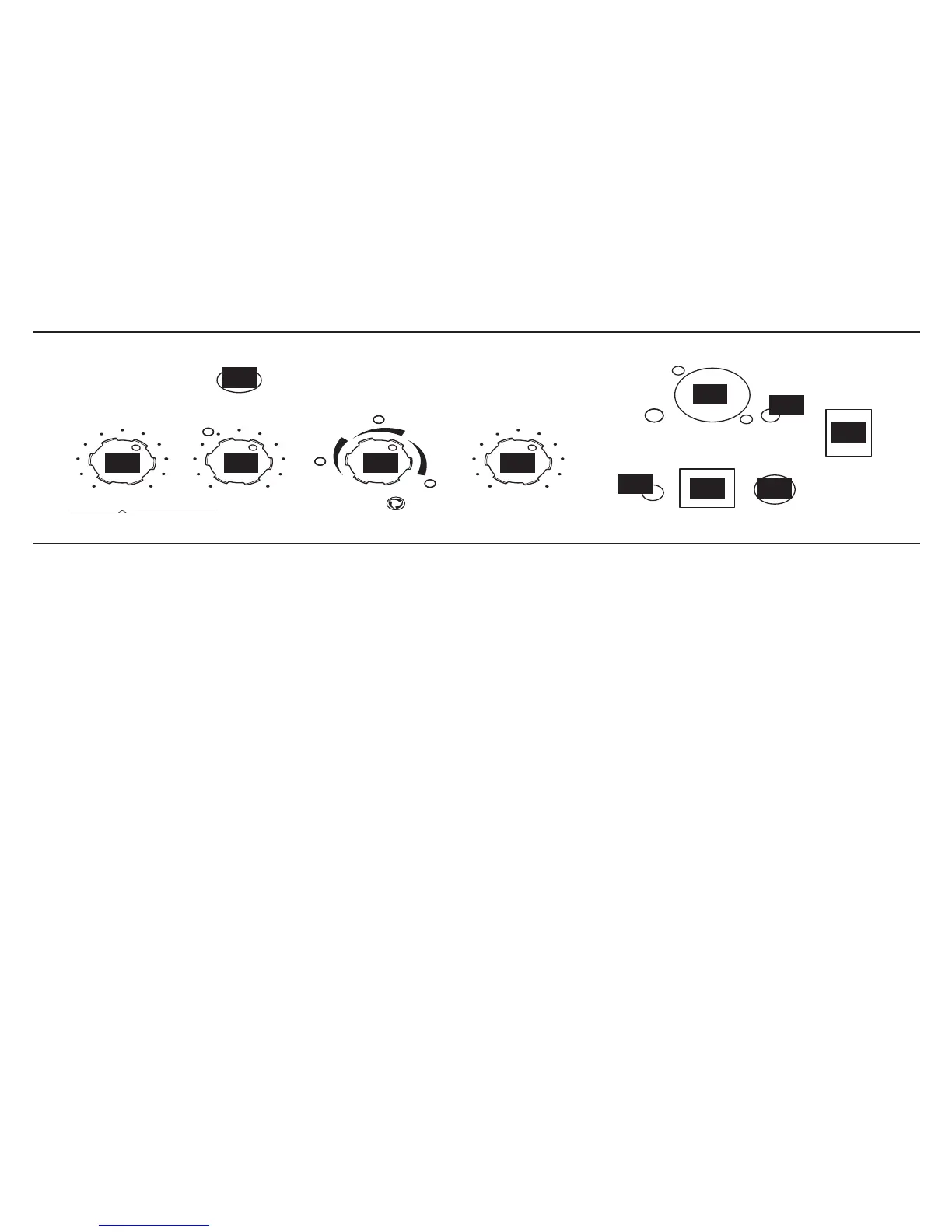
8. Master Volume - You can choose the overall
volume of the amplifier, without affecting your tone.
9. Deep - Selecting Deep will kick in a special tone
shaping eq that will dial in the model for supreme
fatness.
10. Channel Memories - Four programmable
channels come pre-loaded with great factory presets
but can be used to save your own custom settings.
11. Tuner/Clip button - engages the built in tuner.
(Watch the Amp Model LED’s to see what note you’re
tuning.)
12. XLR Direct Out - This gives the sound man a
simulation of a mic'd cabinet that is model specific.
To the left of the input is a ground lift.
13. Mute Horn - Mutes the horn for those of you
who are adverse to high frequencies.
14. CD/MP3 - Plug in any audio source and it feeds
directly into the LowDown’s speaker or headphones
so you can jam with your favorite music or a drum
machine. Use the input devices output control to
adjust it’s volume.
15. Foot Control - Plug in an FVB Shortboard,
FBV Express or FBV2 foot switch to access some very
exciting functions to be explained later in this manual.
See the “Using Your Feet” for more information.
16. Headphone - Listen with headphones to your
LowDown mixed with what ever you would like to
input into the CD/MP3 jack.
17. Power - on or off. The amp sounds better on.
MASTER
TUNER
OCTAVER
FILTER CHORUS
OFF
CD /
MP3



 To Next Page