EasyManua.ls Logo

Linear Corporation EMERGE e3 Series - User Manual

Default Icon
16 pages
Print Icon
To Next Page IconTo Next Page
Loading...
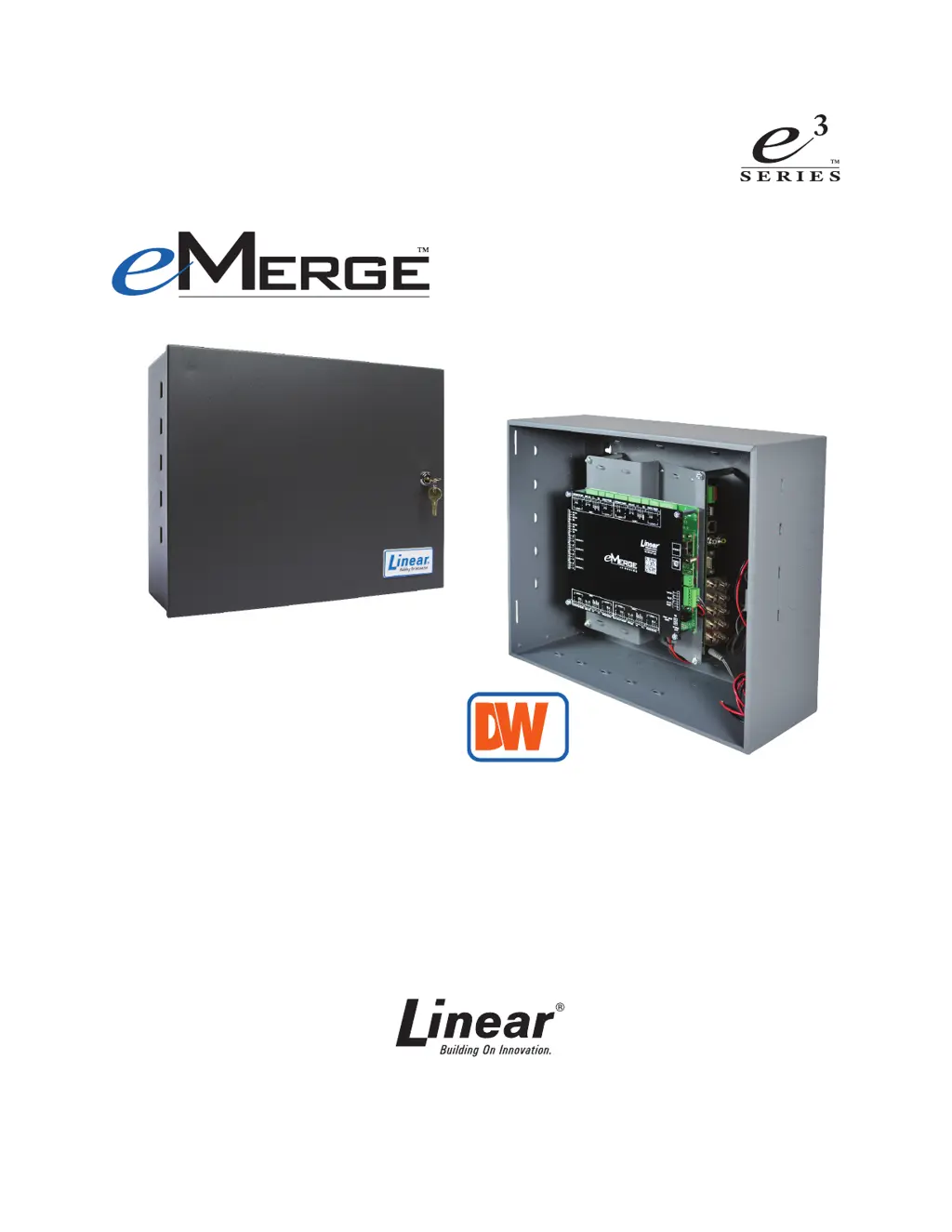
e3 ONE BOX™
Access Controller & DVR
Document Number: 620-100414, Rev. C
Setup Guide
USA & Canada (800) 421-1587 & (800) 392-0123
(760) 438-7000 - Toll Free FAX (800) 468-1340
www.linearcorp.com
INSIDE

Questions and Answers

Summary

Notices and Standards

Standards Approvals

Details compliance with FCC Rules for digital devices and potential interference.

Introduction to e3 ONE BOX

e3 Interface Overview

Explains system connection, monitoring, playback, and event tagging via GUI.

DVR Interface Options

Covers embedded, web, and mobile interfaces for DVR access.

e3 ONE BOX Model Options

Available Model Configurations

Lists standard and bundle e3 ONE BOX models with specifications.

System Documentation References

Lists related manuals for complete installation and programming instructions.

DVR Connector Information

DVR Connector Descriptions

Details the purpose of each connector on the DVR.

DVR Connector Locations

Illustrates the physical placement of DVR connectors within the e3 cabinet.

System Configuration and Setup

DVR Factory Defaults

Lists default login and network settings for the DVR.

e3 Controller Setup for DVR Communication

Steps to configure the e3 Controller to connect with the DVR.

DVR Connection Procedures

Camera Connection Procedure

Instructions for connecting analog video cameras via BNC connectors.

Power and Network Connection

Details power supply connection and Ethernet cabling for data exchange.

Video Tagging Event Actions

Configuring Video Tag Event Actions

Steps to assign video tags to system events for recording and playback.

Testing Programmed Event Actions

Procedure to verify that event actions are functioning as intended.

DVR Viewing and Recorded Playback

Live Viewing Configuration

Steps to access and view live camera feeds.

DVR Playback Options

How to browse, select, and play back recorded video footage.

Troubleshooting Common Issues

Browser Compatibility Issues

Addresses DVR non-functionality in Firefox or Chrome browsers.

DVR Tagging Time Synchronization

Solves issues with DVR tagging not reaching correct video timestamps.

Linear Corporation EMERGE e3 Series Specifications

General IconGeneral
CategoryIP Access Controllers
SeriesEMERGE e3 Series
Reader InputsUp to 2
Relay Outputs2
Operating Voltage12 to 24 VDC
Humidity0% to 95% non-condensing
CommunicationEthernet
Operating Temperature-40°C to 70°C (-40°F to 158°F)