11.
D. Using the World Time
1. Press time/world to enter to world time mode
(200 cities bane are displayed with English only).
Display shows the place name which you edit at
last time, and the flashing 'W' means world.
2. Search your required city by pressing the Up and down key (
) or type the first
alphabet of the city name to get in the place.
E. USING THE TRANSLATOR
a. LANGUAGE SELECTION - You can select any 2 languages for your home
language and language of translation.
b. WORD TRANSLATION - The translator contains about 8,000 words. It help
you to translate 8 language instantly.
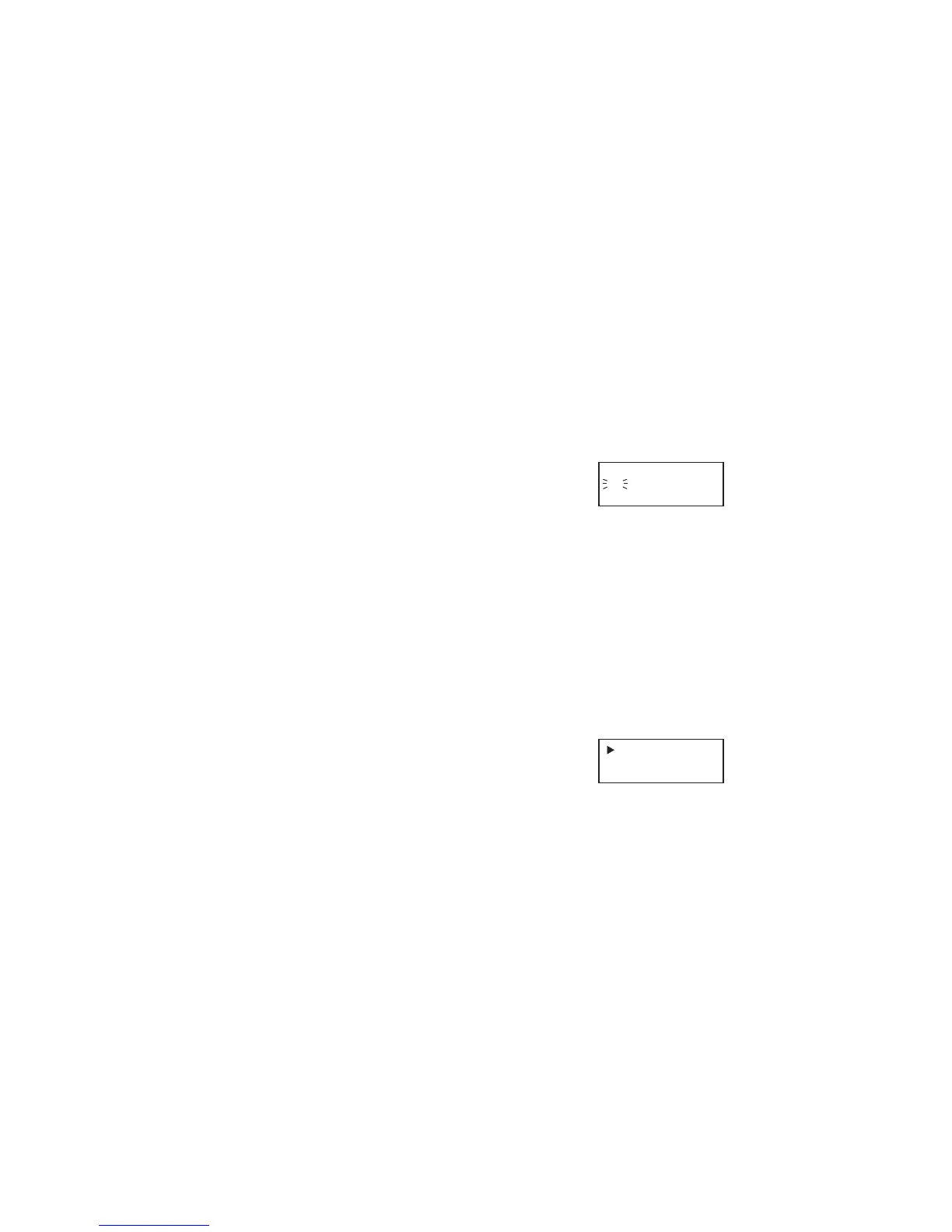
1. Press <TRANS> translator, display shows:
NEW YORK
W PM 12:17:33
1. WORD
2. PHRASE



 To Next Page