1. WORD
2. PHRASE
ACCIDENT
HOTEL
ADOUBLE
ROOM WITH
BATHROOM
>
>
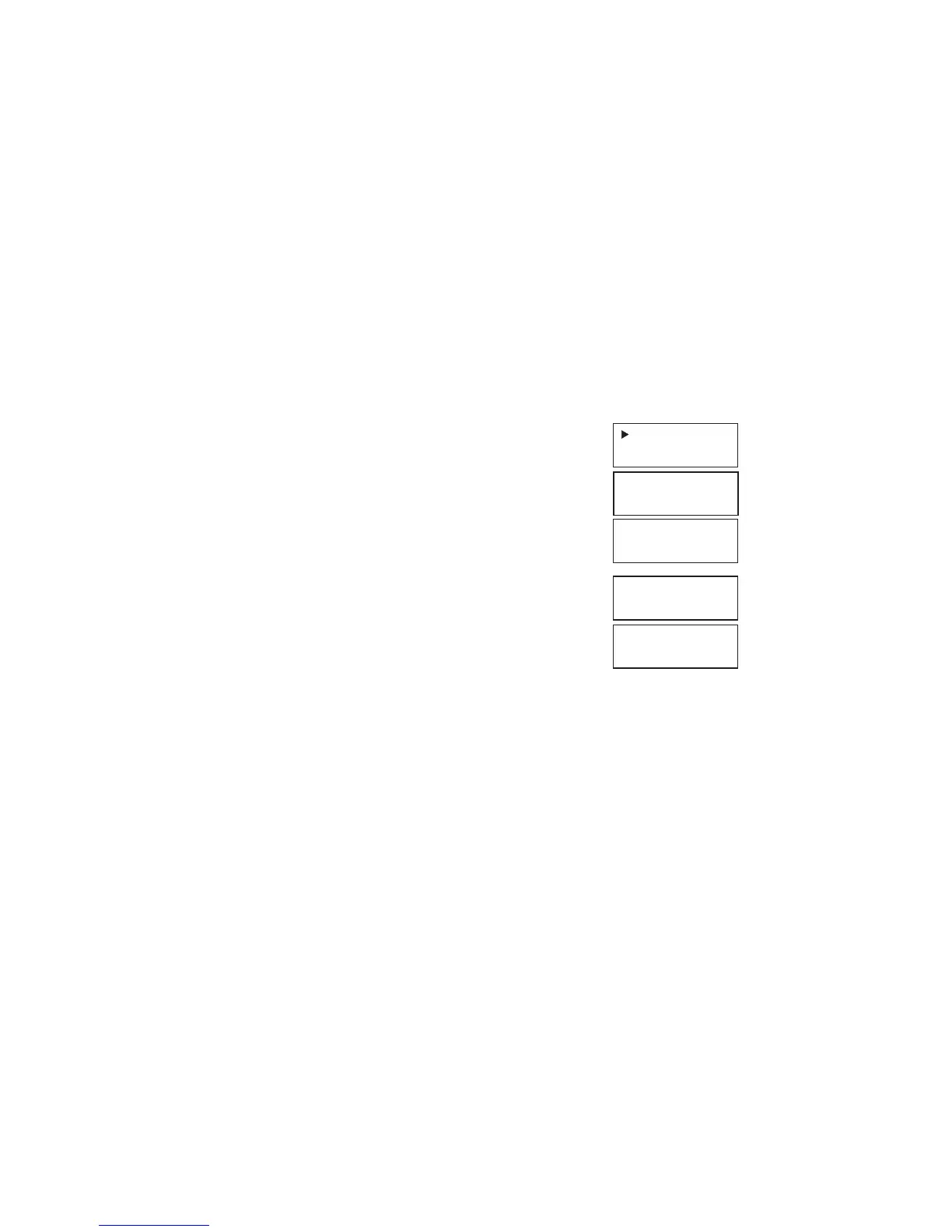
1. Once you press <TRANS> key, display shows:
2. Press 2 to choose the phrase translation, the display
shows instantly the first category name, e.g. in English
3. Press the <DOWN> key to search your required category,
or direct type in the first alphabetic of category name, then
<DOWN> (
) to search, e.g. H to Hotel.
4. Press <ENTER> to confirm the category of HOTEL,
display show the first sentence of the HOTEL,
it shows:
5. Press 2 to get the German translation,
display shows:
6. If this is not the sentence you required, press PAGE <UP> or <DOWN >keys ( )
until you find the right one, then translate it.
7. To search for other categories, simply press <CLEAR> and use the <UP> or
<DOWN> keys.
16.
EIN
DOPPELZIMMER
MIT BAD



 To Next Page